
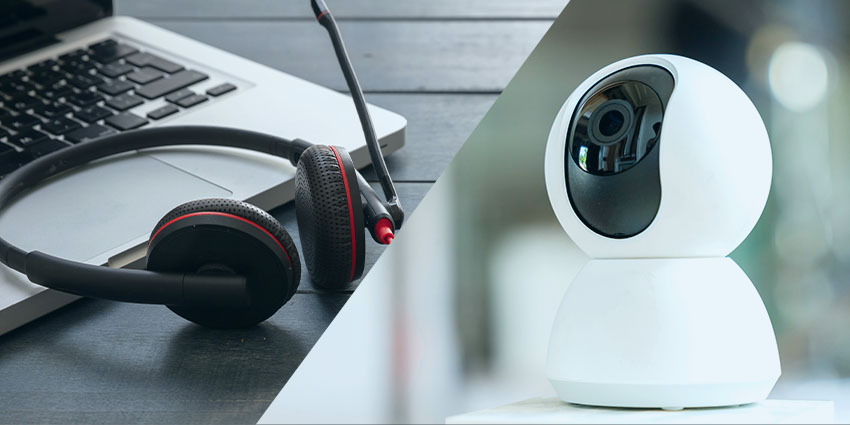
Personalisation is one of the biggest trends in the Unified Communication and Collaboration industry for 2022. Inspired by the new age of work, this trend responds to the fact that more employees are working in hybrid, remote, and distributed environments following the pandemic.
In these landscapes, team members have developed a more profound knowledge of precisely what kind of endpoints they need to power crucial collaboration sessions, meetings, and conversations. We’ve grown accustomed to using the devices most suited to our needs, and modern employees want to continue accessing this level of personalisation going forward.
The good news for companies is allowing your employees a greater level of personalisation with their endpoints can have significant benefits, from more excellent employee retention and engagement to higher productivity levels. The question is, how do you go about bringing personalisation into your endpoint buying strategy?
Step 1: Know Your Endpoint Needs
The first step is knowing exactly which endpoints you will be investing in. Think about the kind of technology your team members regularly use from a communication and collaboration perspective. If you’re going to be hosting regular video meetings to keep remote and hybrid team members engaged, then you will need cameras.
If your employees are regularly involved with calls or need to listen to audio recordings consistently, they’ll need a set of speakers or headphones. You’ll also need to think about microphones to enable two-way conversations.
Once you know your endpoint needs, the next step is considering the variations available for each tool. For instance:
- Video: For video demands, you can offer your employees everything from state-of-the-art 4K video cameras to simple plug-and-play webcams. You’ll also need to think about all-in-one video bars, which have a built-in microphone and audio functionality.
- Voice: To enable voice, you can choose between headphones with built-in microphones, cameras with included microphones, or standalone devices. There’s also the option to look into personal speakerphones or IP desk phones for certain staff members.
- Audio: From an audio perspective, there are endless different headsets and speakers available, each with different abilities. Some headphones can block out external noise or come with built-in instant meeting buttons.
Exploring the options in depth will give you an insight into the various solutions you can offer your employees.
Step 2: Speak to Your Employees
The essential step in any endpoint personalisation strategy is ensuring you can speak to your staff members. Remember, we’re living in a world where the workforce is changing, and multiple new “employee personas” are joining the team.
Each staff member in your workforce may have their own specific needs regarding endpoint utilisation. A CFO responsible for giving presentations and taking part in crucial meetings may need a personal speakerphone and high-quality 4K camera or an all-in-one video bar. Alternatively, someone who works on the back-end of your team and doesn’t regularly get involved with video calls might only need a simple webcam and a headset.
The key to success is speaking to leaders from each department and getting an insight into the unique needs your employees might have. This will allow you to look into vendors who can offer a wide range of options for your team members to choose from.


