
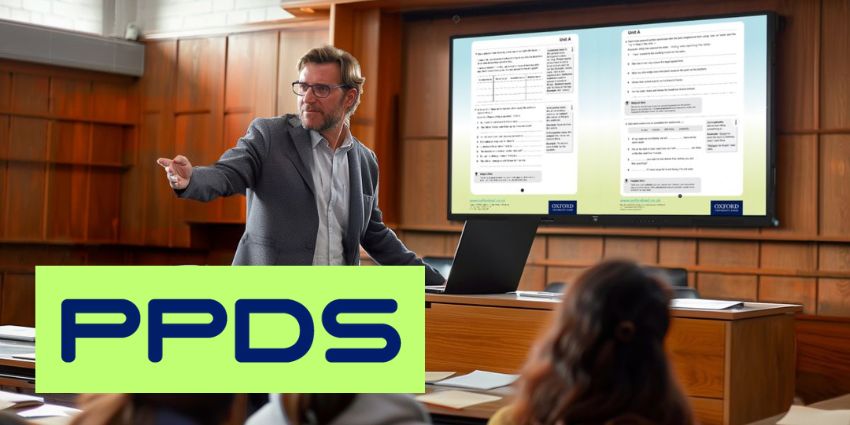
Philips Professional Displays (PPDS) has launched Philips ScreenShare for wireless content sharing in classrooms and meeting rooms.
According to the professional displays and digital signage solutions provider, Philips ScreenShare enables secure and seamless wireless content sharing, which transforms teaching and meeting spaces without requiring any additional hardware.
The all-in-one presentation software solution has near-universal compatibility and helps to solve various challenges and limitations often associated with the technology.
Frank Trossen, Global Business Development Director Education and Corporate at PPDS, explains how the solution bolsters meeting equity: “With Philips ScreenShare, we have removed all obstacles to ensure every single person in the room has an equal voice and opportunity to contribute, whether that’s in a classroom, a meeting room, or the boardroom.
“Even the quietest person can enjoy their share of voice and present with confidence with Philips ScreenShare.”
Trossen continued: “Philips ScreenShare, paired with our evolving range of Philips Collaboration displays, and requiring no costly additional hardware or networks, creates what we believe to be one of the most secure, cost-efficient and feature-rich propositions in the current market.
“We are incredibly excited about the opportunities Philips ScreenShare will provide current and future generations.”
Philips ScreenShare: Key Features
Key feature of Philips ScreenShare includes universal compatibility, sharing controls, engagement features, shared content saving, ‘Connect as a Teacher’, whiteboard, and annotation mode.
Universal compatibility: Philips ScreenShare make it possible to Bring Your Own Device (BYOD) so that the presenter and more than 100 participants can simultaneously share content on the main display through their own device.
Moreover, the software supports content sharing from any device, connections to any network, and will also run on all operating systems.
Sharing controls: A full range of control and management features are available adjust what, when and who can share content. The presenter is also able to manage and present lesson plans of all file types via the Philips Professional Display from anywhere in the room.
Engagement features: To increase engagement, moderator mode allows teachers and presenters to connect to specific devices and individuals at any time, allowing them to wirelessly present and broadcast their screens.
Students and teachers can also interact with one another more easily thanks to GridView and an extended GridView, which lets up to nine devices connect and broadcast together.
Saving shared content: Content can be saved for connected users to upload u sing the shared items folder.


