
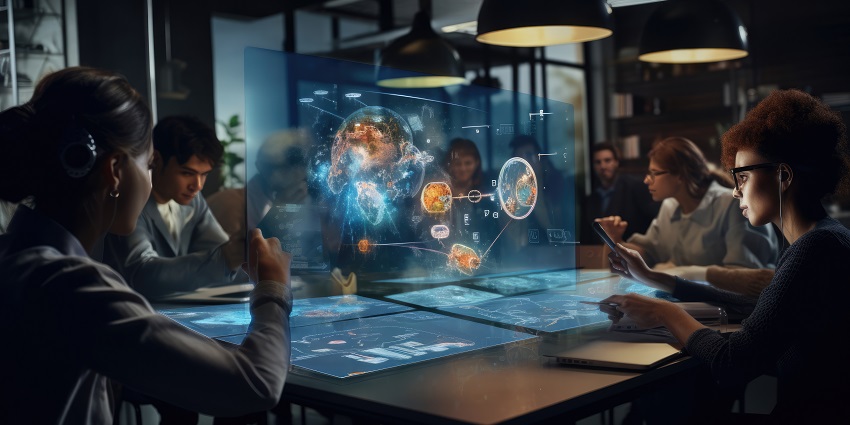
Collaboration display trends are becoming commonplace in the modern meeting room. As demand for flexible work continues to thrive, businesses need innovative tools to connect distributed teams. Collaboration displays, equipped with touchscreens, cameras, microphones, and even direct access to apps like Microsoft Teams can transform the workplace.
These solutions offer teams a convenient and intuitive way to share knowledge, collaborate on tasks in real time, and make the most of ad-hoc and scheduled meetings.
As office design continues to evolve to address the needs of modern teams, trends are beginning to emerge among AV vendors. Based on our insights into the world of collaboration devices, here are some of the major trends influencing displays in 2024.
1. Flexibility Influences Collaboration Display Trends
One of the most significant collaboration display trends we’ve seen is the demand for more flexible, versatile devices. Companies now need to adapt to the needs of various different types of employees, from remote and hybrid workers to mobile staff.
As a result, companies are creating not just large and mid-sized meeting room environments but also focus rooms and smaller spaces that can be transformed into ad-hoc meeting rooms in minutes. This has prompted vendors to create more flexible displays, such as screens with built-in mounts that simplify transporting a system into any available space.
Companies like ViewSonic are even creating modular meeting room screens that can be disassembled and transported easily into any environment.
2. Bring Your Own Meeting Solutions
Building on the success of bring your own device (BYOD) policies, bring your own meeting (BYOM) solutions are growing increasingly popular. Employees want to be able to walk into any meeting space and connect their own devices to the endpoints available. BYOM screens include connectivity features, enabling screen sharing and mirroring from any device.
These solutions are also often software agnostic, ensuring teams can use any collaboration or conferencing software they like, from Microsoft Teams to Zoom. This flexible approach can save team members significant time when setting up meeting room environments.
Most screens will also automatically support the use of any additional technology a team might need, such as video bars and cameras, speakerphones, and tablets equipped with meeting room booking or scheduling software.
3. Security in Collaboration Display Trends
Security and compliance are affecting many meeting room and collaboration trends. As companies strive to connect employees from around the globe and enable them to share data over the cloud, they need to ensure all that information is protected.
Many top collaboration display vendors now ensure their technologies are secure by design, with built-in video and audio conferencing encryption and intuitive software for device management. Remote device management tools empower business leaders to configure, patch, and update screens and connected devices from a distance.
Some of these solutions can even monitor device health and alert business leaders when issues emerge, reducing the risk of unnecessary downtime.
4. Advanced Screen Technology
Thanks to evolutions in screen technology, displays have become increasingly advanced in recent years. Virtually every collaboration display available today will offer at least a 4K resolution. Most also come with anti-glare features to reduce the risk of visual fatigue and exceptional true-to-life colours. Some are even designed with robust materials to support regular use.
We’re also seeing an improvement in the touchscreen capabilities of many collaboration displays. Some solutions, like Dell’s range of interactive displays, come with 20-point touch support and palm rejection to help improve input accuracy.
Other innovative displays can register input from multiple people at once, allowing numerous team members to annotate documents simultaneously. There are even displays with built-in cameras that can use artificial intelligence to track movements and gestures, allowing for a touch-free experience during meeting room setup.


