
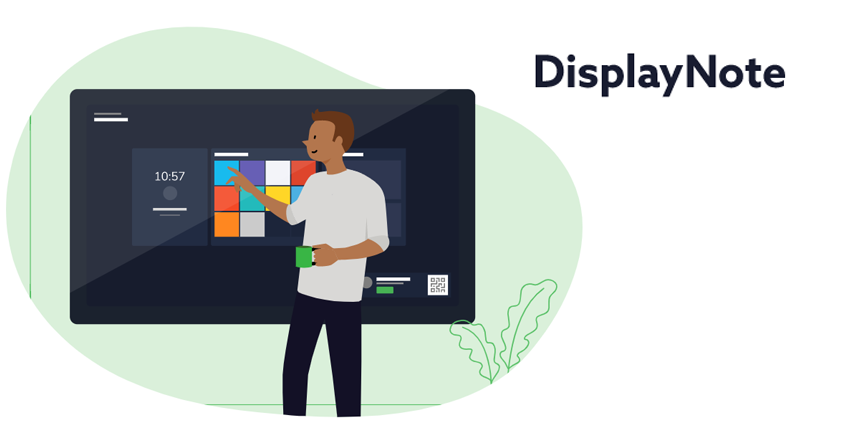
Leading creator of collaboration solutions for meeting rooms, DisplayNote, recently announced the release of its Launcher 1.5. The new software solution is designed to simplify how people launch applications, start video calls and interact with information in meeting spaces. The service is compatible with various leading conferencing platforms, including Microsoft Teams, Zoom, and GoToMeeting. DisplayNote’s Launcher also integrates with Microsoft Exchange.
The DisplayNote 1.5 launcher is the full-featured version of the product, allowing users to access smartphones to transform shared displays into productive tools. According to the COO of DisplayNote, Ed Morgan, after a fantastic response to the first-gen product, the company is thrilled to bring the full version to the market. When the earlier version was previewed initially, the company knew that it would have a product capable of defining the emerging solution category for “launchers.” The tweaked features and new services will help to set DisplayNote apart from the crowd.
Responding to a Demand for Easy Collaboration
DisplayNote developed it’s Launcher solution to respond to the increasing number of end-users in the landscape searching for simple and secure ways to access their preferred meeting applications. The service features presence detection technology, allowing meeting participants to use their preferred devices to turn any meeting into a personal and secure collaborative space.
The tool offers one-touch operation for simplicity, and users can create identities within the Launcher app using Office 365 accounts. The app then communicates with the Launcher software on the touch display or a mini PC. The users then get temporary access to their Microsoft Teams, One Drive, calendar, and other tools, all in the main meeting display.
Launch operates using the Windows 10 platform, with a tokenised protocol for authentication built into the Bluetooth Low Energy framework. When the user disconnects from the display, there is no data stored on the shared surface.


