
The way we collaborate has changed a lot, particularly in the last couple of years. Today, great collaboration comes from the ability to share content in a flexible, ever-evolving environment. Team members need to be able to align their ideas, no matter where in the world they might be. Enabling this level of productivity and creativity requires the right software and hardware investments.
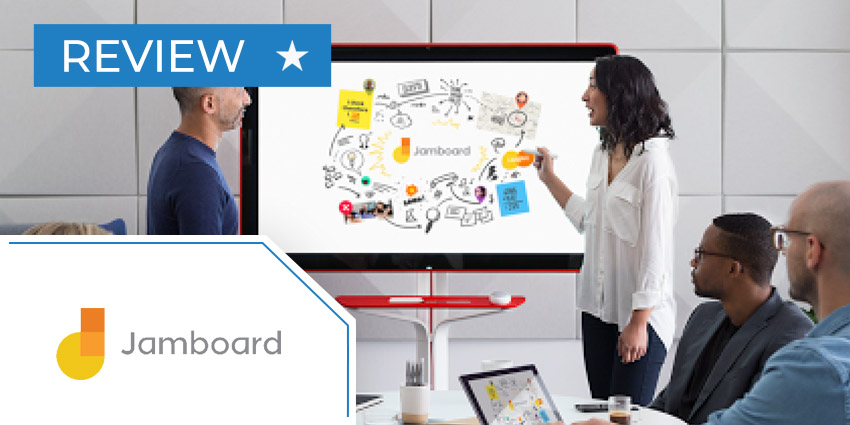
Jamboard, a tool created by the world-leading Google team, is a convenient way for staff to unleash their inner creativity. Built for a flexible environment, the Jamboard allows business users to sketch their ideas with a digital whiteboard, while benefitting from a connected, shareable canvas.
Google’s Jamboard technology allows users to drop notes and images into their whiteboard straight from the web while connecting with team members wherever they are. Let’s take a closer look.
Google Jamboard Review: Features
Empowering amazing collaboration in a digital world doesn’t just mean allowing users to share video and voice. While it’s important for your team members to be able to communicate freely, they also need to be able to create and innovate in an aligned environment. A digital whiteboard like the Google Jamboard makes adding context to ideas with sketches, annotations, images, and notes.
Users can access real-time co-authoring functionality, so everyone in a team can contribute to ideas at the same time, even if they’re not in the shame room. You also don’t need to pay for multiple Jamboard devices for your remote workers, as team members can also get involve through a mobile app or desktop service. Features include:
- Seamless writing and real-time drawing with an included stylus
- Search Google to add webpages, images, and notes to your display
- Drag, drop, and resize text and images on the board with your team
- Image recognition technology immediately transforms your sketches into clear images
- Share your jams with up to 25 people at a time
- Work with access to Google Drive and add Docs, Sheets, and Slides
- View and edit jam files from anywhere with an internet connection
- Automatic saving and syncing across all devices
- Display a calendar of events on Jam boards
- Host video meetings and tap an agenda item to start a meeting
- Present your whiteboards to remote viewing participants
- Collaborate via a phone, tablet, or computer
- Open a jam with proximity technology with your phone or tablet
- Connect your Jamboard to a computer and display your screen
- Pick up where you left off with emails featuring your information
The 55-inch digital whiteboard works seamlessly with existing Google G-Suite services, so if you’re already using Google’s productivity tools, you’ll feel right at home. With content that saves and syncs automatically, it’s easy to ensure everyone on your team will remain on the same page, no matter where your collaborative journeys take you.
Google Jamboard Review: Benefits
For conversations requiring a little more visual context than the standard phone or video call, Jamboard unlocks creativity and knowledge sharing. It’s easy for everyone to get involved, sketching, and commenting on the same shared platform. The Jamboard solution even allows you to video conference with colleagues and share content at the same time.


