
Lenovo is a recognised name in communication hardware, both for professional and personal usage. It has a diverse line up of offerings, spread across PCs, smartphones, work stations, televisions, storage devices, and servers. As of March 2019, Lenovo was the world’s biggest PC vendor (in unit sales).
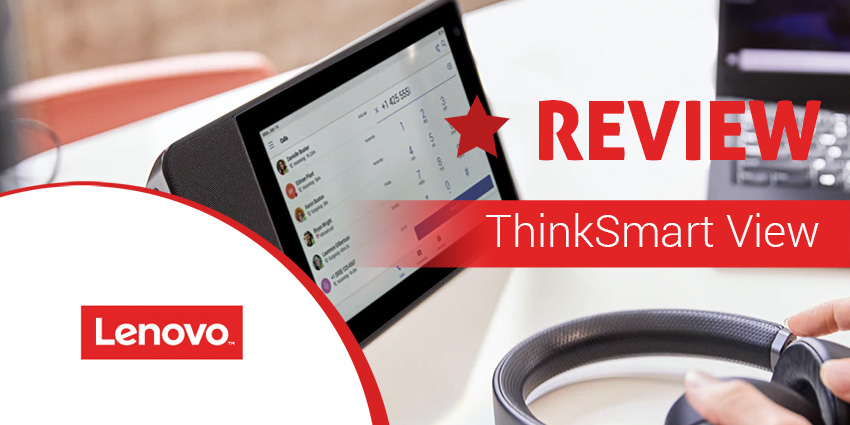
And, Lenovo is constantly pushing the frontiers when it comes to communication and collaboration. This year at the Consumer Electronics Show (CES), it introduced the new Lenovo ThinkSmart View, for mobile working and collaboration. In terms of look and feel, it resembles Amazon’s Echo Show - but this one is specifically intended for business use. Let’s review its features more closely.
Inside Lenovo ThinkSmart View
To start with, it should be noted that the Lenovo ThinkSmart View is exclusively meant for Microsoft Teams integration. Just like the Lenovo Smart Display brought the Google Assistant to the smart home universe, the Lenovo ThinkSmart View promises to revolutionise remote working and off-premise collaboration. Here is a quick look at its many features:
- Multi-tasking - Most of the real estate on the Lenovo ThinkSmart View is occupied by an 8-inch HD touchscreen. This lets you start meetings on a single touch, removing the hassles of traditional dial-in/bridge joining. While the Lenovo ThinkSmart View takes care of video calls, you can continue to use your PC for other productivity needs
- Speakerphone and headset-based voice calls - In a private setting, you can use the Lenovo ThinkSmart View for voice and video calls, even if your PC isn’t there in the vicinity. When working in more public settings like a cafeteria or an open plan office, you can switch to Lenovo’s ThinkPad X1 Active Noise Cancellation Headphones (optional addon)
- Security - Lenovo has paid special attention to privacy and security concerns with the ThinkSmart View. There is a physical camera shutter and a microphone mute button so that you aren’t seen or heard without explicit consent. Further, the device has a standalone 4-digit PIN number - if you’re connected to a PC, the Lenovo ThinkSmart View will lock in tandem
- Professional services - For deployment at scale, Lenovo offers a portfolio of Smart Office Professional Services for an additional fee. This lets you customise your smart office solution and make the most of your collaboration device
- ThinkSmart Manager - This is Lenovo’s app for controlling ThinkSmart’s functionalities. You gain visibility into deployment, provisioning, configuration, and troubleshooting. You could also lock down ThinkSmart devices if necessary
- Processor - The Lenovo ThinkSmart View is powered by a Qualcomm® Snapdragon™ 624 processor (although specifications may vary based on the region of purchase). Snapdragon 624 is a pretty competent processor in its range, and not opting for the more advanced Snapdragon 800 Series will keep its battery life and pricing to an optimum
- Storage - The Lenovo ThinkSmart View comes with 2GB of RAM which should be enough for most calling scenarios. For the benefit of comparison, Amazon’s Echo Show packs similar RAM specs, although it’s meant for personal use. On-device storage clocks in at 8GB eMMC
- Camera - This is probably where Lenovo ThinkSmart View stands out the most. It has a 5MP wide-angle camera that gives you a video definition of 720p. This is an excellent balance between high-quality and resource optimisation
Why Lenovo ThinkSmart View Makes a Difference
Lenovo is a trusted vendor in business telephony and collaboration. While Lenovo ThinkSmart View is freshly minted, we expect it to strike a chord with high-productivity remote workers and companies with large distributed teams. At only 1kg, Lenovo ThinkSmart View is pretty portable, and we could imagine carrying it around an open-plan office for our everyday collaboration needs. This is because it doesn’t mandatorily have to be connected to a PC.
[caption id="attachment_26527" align="aligncenter" width="800"] Lenovo ThinkSmart View[/caption]


