
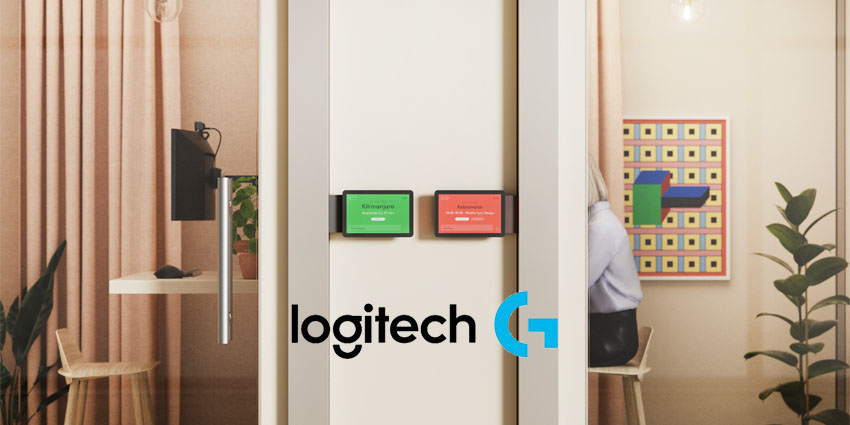
Logitech has added advanced room booking and remote access tools to Logitech Sync to streamline workplace management.
Logitech Sync has also been upgraded with usage insights and automations to simplify space and device management. Logitech says its capabilities relieve overwhelmed IT teams from ensuring that meeting spaces are always available and functional. They also empower IT professionals to manage these spaces remotely and securely.
Henry Levak, VP of Product at Logitech B2B, commented:
While conference room complexity has grown, IT teams have not. Think of Logitech Sync as mission control for IT. An enterprise command center to catch those 'Houston, we have a problem' moments and virtually troubleshoot a Rally Bar 5,000 miles away."
Introduced last year, Logitech's existing desk booking solution with Logi Dock Flex simplifies finding the right spot near colleagues in flex desking environments. Logitech’s new room booking software on Tap Scheduler offers a similarly intuitive experience, resolving common conference room booking conflicts and allowing IT to manage everything through a single platform.
With this software, employees can book and claim rooms directly through their existing calendaring apps, such as Google Workspace and Microsoft Office 365, or directly on Logitech Tap Scheduler.
Sync Remote UI Access, room booking and map creation, and room usage insights are features that enhance Logitech Select for Rooms—a service plan priced at $399 per year. Logitech explains that Select for Rooms combines technical expertise with advanced software to help companies manage their spaces.
These premium features are also included in Essential for Rooms. This newly created service offering supplements customers' and partners' in-house IT expertise with advanced management and analytics tools. It is available for $199 per year. Room booking will be available in late summer 2024.
More Details On The New Workplace Management Feature Set
Among the new features are automatic adaptations to common workplace behaviours.
If a booked room is not checked into within a set time, it is automatically released and made available to others. For ad-hoc meetings, users can identify available rooms through the LED status lights on Tap Scheduler or navigate to an available room using a floor plan map on Tap Scheduler, the Logi Tune app, or office displays for wayfinding.


