The digital workplace market is being asked harder questions. After years of adding communication channels and engagement features, enterprise buyers want to know whether workforce management platforms actually help organizations run better, or just talk better.
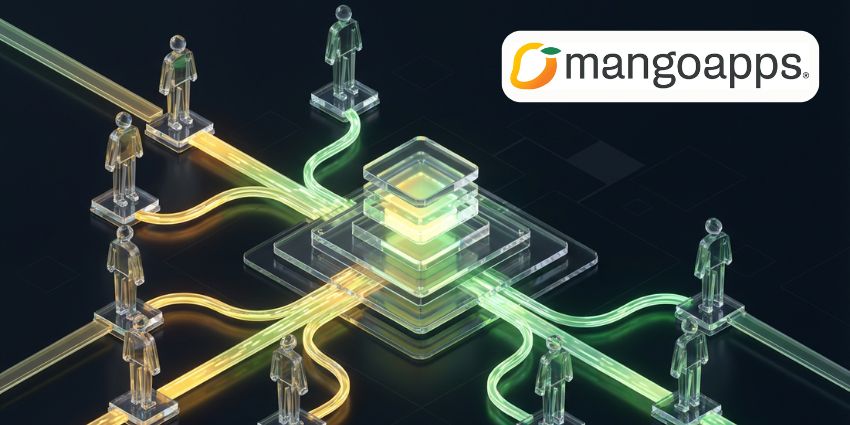
Instead of enhancing its social features or adding another AI writing assistant, MangoApps has built workforce management capabilities—rostering, time tracking, shift swaps—directly into its platform.
The Integration Problem With Workforce Management Platforms
Most large organizations run workforce management through specialized systems: ADP, UKG, or industry-specific tools like QGenda in healthcare. These systems handle complex scheduling logic, compliance rules, and payroll integration that general-purpose platforms can't easily replicate.
However, frontline employees rarely log into these systems directly. They check schedules through printed sheets, WhatsApp groups, or clunky mobile apps they open only when necessary. When shift changes happen, communication flows through informal channels. As a result, the expensive workforce management platform becomes a back-office tool that doesn't touch the daily employee experience.
MangoApps is targeting this gap by putting scheduling and time tracking in the same environment where employees already receive communications and access company resources, while the company still offers deep integrations with QGenda, Spectrum, and SAP HCM.
AI Capabilities Beyond Text Generation
MangoApps is also introducing what it calls “structural AI”: capabilities that build workplace structures rather than just generate content. The AI Survey Creator generates compliance quizzes from uploaded documents. The AI Wiki Builder converts PDFs into formatted knowledge base articles. Furthermore, the platform can construct entire project workspaces, complete with permissions and layout, from a simple description.
Creating a compliance training quiz requires writing questions, setting up answer logic, defining pass/fail criteria, and configuring tracking. These tasks aren't intellectually demanding, but they're time-consuming. Therefore, if AI can reliably handle the scaffolding, the productivity gain is real.
The qualifier is “reliably”, however. If AI-generated structures require substantial correction, the time savings disappear. Technology buyers evaluating workforce management platform capabilities should ask for concrete metrics: How much editing do AI-generated surveys typically require? What percentage of AI-built workspaces are used without modification? These are answerable questions, and vendors should have data.
The Frontline Workforce Opportunity
The digital workplace conversation has historically centered on knowledge workers. That's changing because the economics are changing.