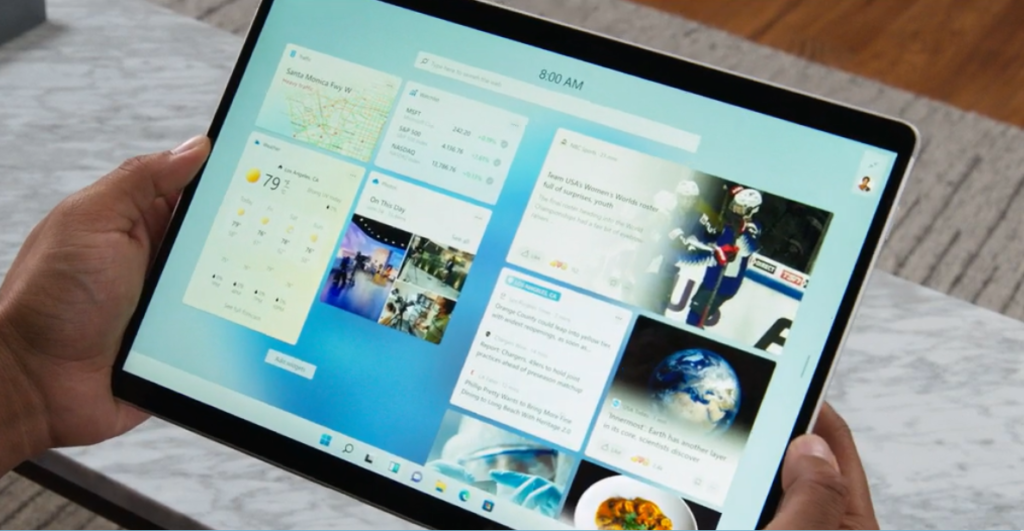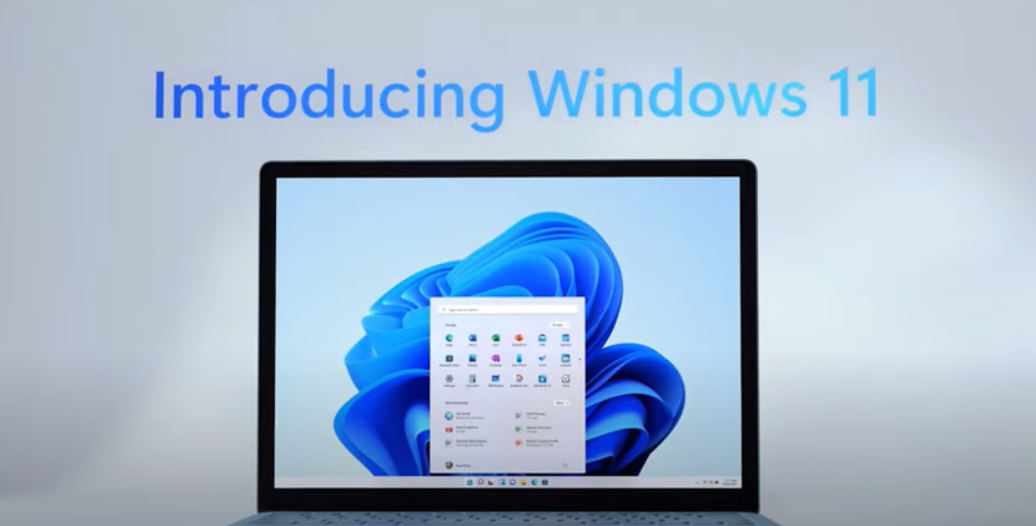
The Chat app from Microsoft Teams will be integrated into the newest version of the tech titan's operating system, Windows 11.
Microsoft officially revealed the latest iteration of its stalwart operating system today, which is expected to become generally available by the end of 2021. Earlier this month it announced it would be ending support for Windows 10 in 2025.
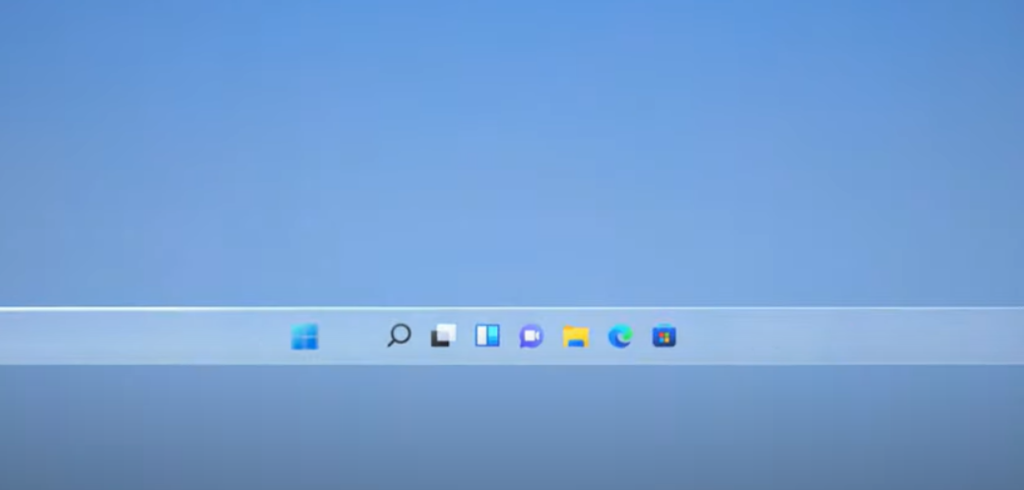
Windows 11 has Microsoft Teams' Chat tool baked into the taskbar. This integration follows up on its recent rollout of Personal Microsoft Teams, which enables users to utilise the platform for socialising and communicating with loved ones.
“Now you can instantly connect through text, chat, voice or video with all of your personal contacts, anywhere, no matter the platform or device they’re on, across Windows, Android or iOS. If the person you’re connecting to on the other end hasn’t downloaded the Teams app, you can still connect with them via two-way SMS,” wrote Panos Panay, Chief Product Officer of Windows and Devices at Microsoft in a blog.
However, there was no mention at all of Teams’ predecessor Skype during the hour-long unveiling. Though Skype came pre-installed with Windows 10, if users want to continue using it on the new OS, they must go to the re-designed Microsoft Store and download it for free.
a Microsoft spokesperson told The Verge:
“Skype is no longer an inbox app for new devices that run Windows 11. The Skype app is available to download through the Microsoft Store for free"
Microsoft has been slowly winding down the pioneering video platform in its operations in recent years, with Skype for Business being retired next month in favour of Teams, which now boasts 145 million daily active users. This exclusion from Windows 11 is another nail in the coffin for the once-popular platform.
Turning it up to Eleven
Another major change to the interface is the placement of the Start button. Microsoft was perhaps waiting for memories of the furore caused by its elimination of the Start button with Windows 8 to fade before it began tinkering again with the long-standing Windows tool. No longer in the bottom left corner, the Start button is placed in the centre of the taskbar in the new OS.
The new placement of the Start button is a part of Window’s 11 simplified design. It all looks very Mac-like in its utility and functionality.
“From the new Start button and taskbar to each sound, font and icon, everything was done intentionally to put you in control and bring a sense of calm and ease. We put Start at the centre and made it easier to quickly find what you need,” Panay added.
“Start utilises the power of the cloud and Microsoft 365 to show you your recent files no matter what platform or device you were viewing them on earlier, even if it was on an Android or iOS device”
Windows 11 also offers a light and dark mode, as well as the flexibility of multiple windows. It also introduces Snap Layouts, which allows you to view apps side-by-side and Snap Groups which essentially remembers what apps you were using so that if you get interrupted you can return and continue to work as you had been doing.