
In February, the roadmaps of many IT teams across the globe got turned upside-down. Whatever you thought 2020 had in store for you, was, well, dead wrong. "Suddenly, the use of video communications skyrocketed, and people adjusted to moving meetings online," Nicole Herskowitz, Microsoft Teams General Manager, wrote in a recent blog post.
And all this is true, with one of the most recognizable challenges that arose from our newfound circumstances - how would we maintain the friendships, relationships, and conversations that happened naturally in a physical office? Herskowitz said that new and existing users flocked to Microsoft Teams in record numbers, for calling, which today sits at 115 million daily active users. In October, Teams users made over 650 million calls, which is up 11-fold when you compare it to March of this year, also according to Herskowitz. She noted, in a statement to UC Today:
“People miss the impromptu interactions that used to happen in the office, and they still need to connect in casual, ad hoc ways. Calling is an answer to this need, which is why we saw the number of calls grow 11-fold from March to October of this year"
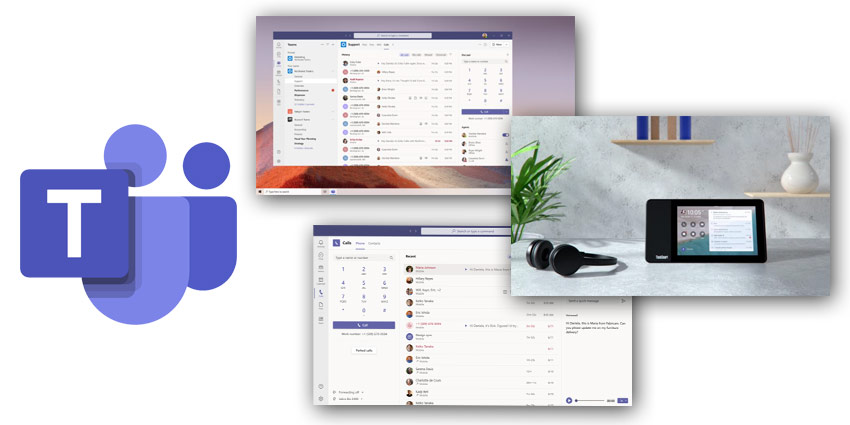
This, in large, is the primary reason why today, the collaboration giant is rolling out a wide array of updates to Teams Calling, in hopes of making it simpler for those working and collaborating from home. After all, the platform's core feature is calling, and its latest updates could help streamline the Teams calling experience even further.
Microsoft Goes Big on Calling Features
Starting today, Microsoft Teams users can save call recordings in OneDrive and within SharePoint. Now, Microsoft Teams admins can leverage the OneDrive or SharePoint integration to make OneDrive or SharePoint their default recording storage location. "The new capability provides powerful capabilities like sharing with external guests, quicker access to transcripts, and greater storage capacity," Herskowitz wrote. There is also support for CarPlay - a game-changer for Teams users. Soon users can place and receive calls in their car using the car's native controls to operate Teams. This includes leveraging voice assistants like Siri to answer and make calls.
Combating Spam Calls
Hoping to combat spam calls, an issue that's seen a real rise over the past few years, Microsoft Teams will soon pinpoint potential spam calls so users can determine if they want to answer or not. "Teams will verify outgoing calls to prevent them from getting rejected by external recipients," I'm told. Transferring calls between mobile and desktop experiences, something many users have long-awaited, is on its way to Microsoft Teams. The feature is on its way to the popular workplace collaboration app in early 2021 and will let users transfer calls between mobile and desktop endpoints with the push of a button, creating a seamless user experience.
[caption id="attachment_30625" align="alignright" width="200"] Nicole Herskowitz[/caption]
Merging calls is now available for both PSTN and VoIP calls, and users with limited data or those who want to preserve the amount of data they use - can do so. Starting in early 2021, Teams users can adjust their settings in the app to cap the amount of data used during video and audio calls as well as enable custom settings based on network availability.
If you use Teams for calling, you might enjoy this next feature, which just got a makeover. Enhancements to the Microsoft Teams reverse number lookup feature let you see the name of all callers in your activity feed and your voicemail, not a just number, which often keeps you guessing: Who called?
Voice-Enabled Channels
Diving deeper into the company's expansive platform updates, voice-enabled channels, a new collaborative calling capability, now enables teams to integrate call queues into specific channels. This is another sought-after function because it is a big enabler of collaboration and information sharing before, during, and after calls. "IT and HR help desks can now manage from channels so available team members can answer calls and share information about service tickets," a spokesperson for Microsoft wrote in a statement. This will become available in early 2021, in preview mode.


