
Have you ever wished that you could pin your preferred app to the Microsoft Teams sidebar, rather than just getting a selection of Microsoft’s popular tools? You’re not alone.
A couple of years ago, a Microsoft fan posted on the UserVoice forums, saying that they would love the opportunity to choose which apps are available in the sidebar. The suggestion earned 1,116 votes from other Microsoft Teams users, and over 150 comments. Many people agreed that access to a custom sidebar would be much more valuable to their needs.
Committed to continually improving the Microsoft Teams experience, Microsoft eventually responded to this request on the 17th of August 2020. Alex from Teams Engineering announced that Microsoft has officially added the new ability to customise your sidebar to Teams. Users can now unpin or pin the apps they want to use.
Easy Access to Your Favourite Apps
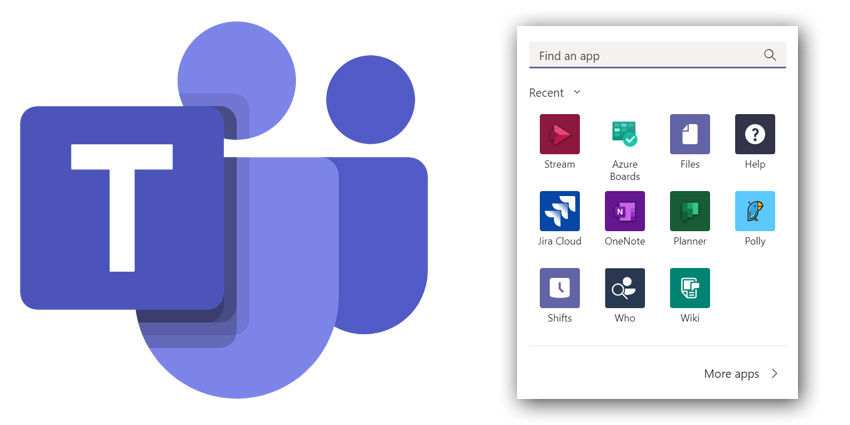
To pin your preferred apps to Microsoft Teams, all you need to do is click on the three-dot More button on the left of your Teams app. Here’s where you’ll find all your apps. When you right-click on the app, you’ll now see the option to either pin that app to the bar or uninstall it.
You can reorder everything on your custom tab by dragging and dropping too, so that your new sidebar makes more sense for you. There’s also the option to pin apps for your messaging strategy next to your formatting options. Once again, just click on the three-dot More option, and right-click on apps to decide what you want to do with it. You can uninstall the apps you don’t need or pin them to your bar.
[caption id="attachment_31997" align="alignright" width="200"] Click to enlarge[/caption]


