
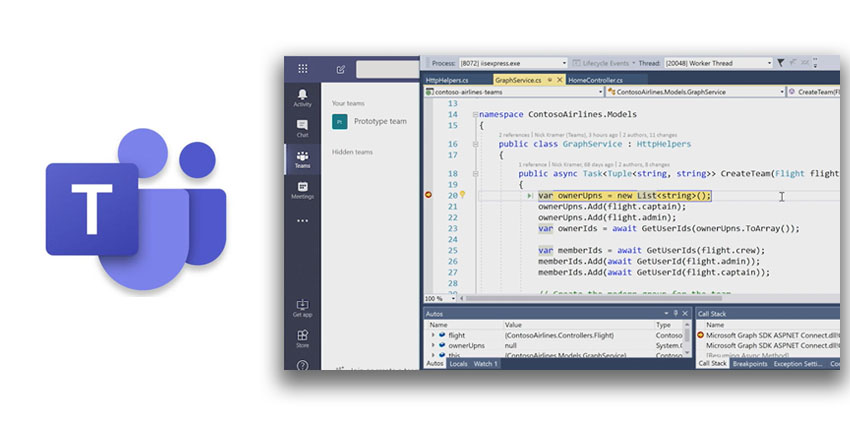
Teams is Microsoft’s flagship collaboration platform that has amassed millions of DAUs in a dramatically short time. Given the COVID-19, Microsoft decided to extend Teams Free’s capabilities, making the offering even more compelling. Microsoft supports over 250 integrations out of the box, not to mention its own Office suite.
But what about companies that depend on home-grown applications? Can Microsoft Teams work in tandem with these custom (often legacy) software without missing a beat?
To address this issue and to ensure widespread operational compatibility, Microsoft has exposed a number of key APIs for Teams. These are available via Microsoft Graph, which is a developer platform connecting various services and devices. Using Microsoft Teams APIs, you can automate your collaboration workflow to a great extent, improving efficiency. For example, you can automate new team creation (event-triggered), the selection and addition of team members, and calendar changes.
There are several options for using Microsoft Teams APIs. You can optimize the platform’s tabs, connectors, services, and activity feed. You could even add on a bot to get the job done faster. Microsoft Teams APIs enable messaging extensions, including the deployment of actionable messaging on the app.
We were intrigued by one particular API that’s currently in preview – an app for calling and online meetings. You can create bots to initiate calls and route them based on interactive voice response (IVR) flowcharts, dramatically reducing the chance of error. Microsoft is continually working on its API library, so you can expect many more such options in future roadmaps.
For now, Microsoft has 10+ options listed in its key resources in Microsoft Teams. There are several protected APIs as well (requiring additional validation, beyond permissions and consent) – these offer access to advanced functions like listing replies, getting hosted content, listing chat members, etc.


