
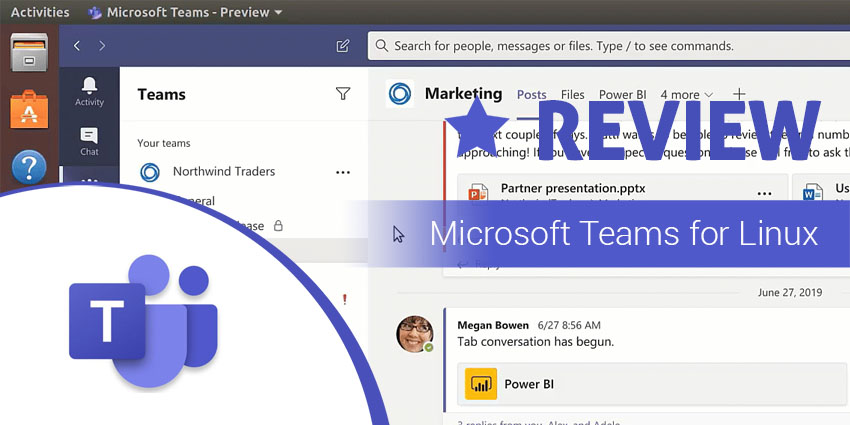
With its 2017 launch, Microsoft Teams is a relatively new entrant in the global collaboration technology marketplace. But in these last few quarters, Microsoft has scaled the product rapidly, expanding into new platforms and acquiring millions of active users.
Late last year, Microsoft announced that Teams would be available for Linux users in a public preview, bringing a full desktop experience that’s miles ahead of the Teams web app. In fact, Teams was the first Microsoft app to make the transition, underscoring Microsoft’s acknowledgment of its varied user base.
“Most of our customers have devices running on a variety of different platforms such as Windows 10, Linux, and others. We are committed to supporting mixed environments across our cloud and productivity offerings, and with this announcement, we are pleased to extend the Teams experience to Linux users,” wrote Marissa Salazar on the Microsoft official blog.
Microsoft gives you several options for installation. You can get native Linux packages in .deb and .rpm formats – or, you could install manually from the command line. Microsoft gives you explicit instructions on how to install on various Linux distributions like Debian, Ubuntu, Fedora, and others.
The timing is excellent, given that the global pool of Linux users is growing every day. In May of 2019, South Korea even announced its intention to migrate major government systems to Linux, making Microsoft Teams for Linux an important productivity tool. This means that you are no longer limited to the Teams’ web app – desktop-only features like background blur, two-way screen sharing control, etc., are now available to Linux users.
Microsoft Teams is a compelling product for companies looking to digitize their communication – which is no longer an option in a COVID-19 context. Teams Free dramatically shrinks the barriers to entry, letting you add up to 500,000 users in your organization, with unlimited chat and 10+1 GB of storage. Investing in Teams Paid is also a smart choice, as you get to schedule meetings, enforce advanced controls, and access all the features of Microsoft’s productivity suite.


