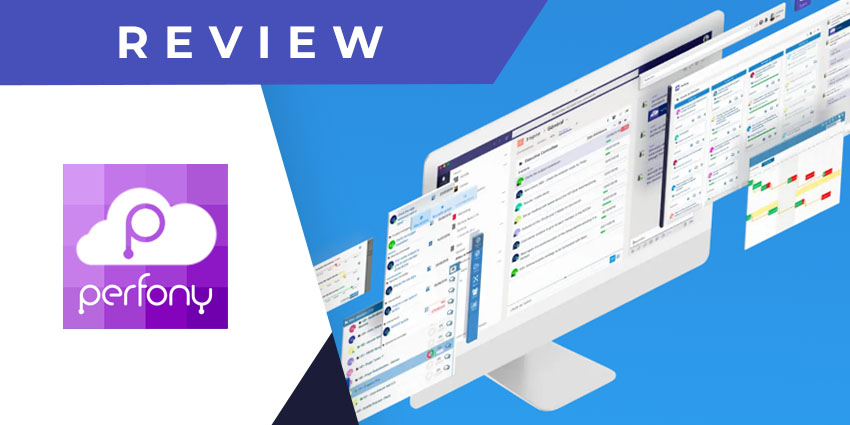
Founded in 2011, Perfony is a French company specialising in workflow organisation, project planning, and management. It offers both solutions and services, along with a dedicated suite of tools for Microsoft 365. You can leverage Perfony for organisation analysis and report generation, AI-enabled reports, and on-the-go project planning from a mobile device. Perfumy augments its product line-up through service support across team analysis, executive coaching, and productivity enablement. Large enterprises, like BMW, rely on Perfony to drive meaningful collaboration between managers and team members.
Perfony is a long-standing partner of Microsoft and launched its Teams app in April of 2021. The Perfony app for Teams enables interoperability between the two platforms so you can access your Perfony data, action points, etc., directly from the Teams platform. Interestingly, Perfony does not require you to have both platforms installed on the same device – the integration is perfectly functional even when accessed from the web or a new device with no previous history of Perfony usage.
Perfony is intended primarily for manager roles, and you can get started for free. Let us review its Teams app in more detail.
Inside Perfony for Microsoft Teams
The Perfony application for Teams makes your existing processes and data available via the Teams platform. To install Perfony, you can click on the Plus button next to the relevant channel name and add Perfony as a tab. For your personal use (i.e., without sharing with channel members), you can download Perfony from the application store from the left navigation pane on Teams.
Remember that you may have to upgrade to a paid tier for collaborative activities – Perfony is priced at €1,380 per year.
Here is a quick review of its key features for Teams users:
- Accessing Perfony actions from Teams - Perfony essentially lets you create various actions and processes linked with ongoing projects. Perfony can log progress on that action point as project stakeholders complete tasks and help you reach work targets. Using the Teams integration, you can fetch all the active action items associated with your Perfony account and track their progress from Teams.
- New action creation and edits - In addition to tracking your actions, you can create new vacation points directly from Microsoft Teams. Perfony lets you define the action name, adjust timelines, assign stakeholders, set a theme, and specify the parent project to which the action belongs. Further, you can edit some of the details of your Perfony action points, including the description, duration estimate, and themes.
- KPIs and themes - The Perfony Teams app is constantly updated as project stakeholders navigate various tasks. This progress is reflected via KPIs – using the KPI dashboard, you’ll be able to monitor the volume of actions completed, currently ongoing, terminated, or held back. Also, themes are an important feature of the Perfony experience. They refer to specific tags associating a project action with a function or product.
- Attaching memos or notes to action - You can further elaborate on an action point through memos, which are essentially extended descriptions, notes, or text snippets containing any information you feel is important for project stakeholders. The app displays a timestamp for when the memo was created and last modified so everyone is on the same page.
- Project stakeholder management - The Perfony Teams app makes it easier to orchestrate the numerous stakeholders associated with a project or action item. You can view existing stakeholders, shuffle new stakeholders in pre-configured roles (pilot, manager, or participant), and add new users from your contacts.
- Multiple Perfony tabs functionality - You can access more than one Perfony tab from Microsoft Teams and pin multiple projects to different channels as necessary. This feature will be available only when you have several Perfony spaces associated with the same email address – when adding a channel tab, select the space you need.
Why the Perfony App Makes a Difference
Perfony is a strategic tool that helps team managers easily plan and execute complex projects. The product is intelligently designed to provide an engaging UX, and this is consistent throughout every feature of the Teams app.
What We Think
Perfony can be a promising alternative to traditional project management tools, particularly for non-product development or non-coding use cases.
You can download the Teams app here.