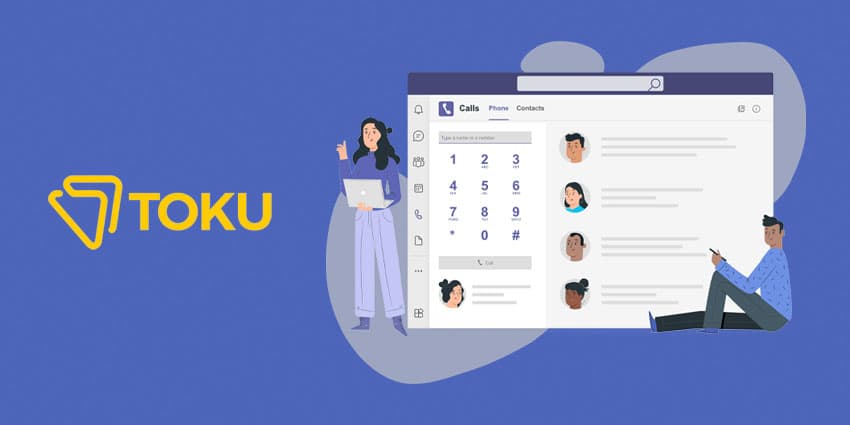
Simply put, Direct Routing is Microsoft's way of enabling a Bring Your Own Carrier approach: providing a PSTN connection to MS Teams users, so they can receive and make calls with Teams using their carrier of choice.
Of course, Microsoft offer their own calling plans as well. Those can be a good fit for users in certain regions, but when it comes to businesses operating in APAC, Microsoft's calling plans just don't cut it. Since Microsoft's calling plan is only available in two countries in APAC, the obvious choice for countries in that region is Direct Routing.
That's where the Toku for Teams solution-umbrella comes in.
"When Microsoft Teams opened up Direct Routing, we came up with Toku for Teams to provide that global calling capability to APAC-based business," shares Girish Dharmaraj, Head of Product at Toku.
"Toku for Microsoft Teams effectively brings a company’s phone system into the Teams environment, offering PSTN connectivity in 16 countries across APAC."
According to Girish Dharmaraj, there are two main advantages to using the Toku solution compared to Microsoft's calling plan: local numbers and voice quality.
"Your users can be sitting anywhere in the world; but with the Toku solution, when you're calling one of them, the number they'll see will always be a local number. That's extremely important, since pickup rates are significantly higher when the calling number is local."
"From the voice perspective, our solution has been fully deployed in the Microsoft Azure cloud, which means that users get enterprise-grade voice quality. The Azure Super Clusters make sure that one is always connected to the closest location, keeping the call within the country rather having it go all over the world and come back."
Up until recently, Toku for Teams only came in the form of a native dialer. Now, Toku is offering a new option, making things even easier for companies: the Toku Phone App.
Here's everything you should to know about it.
No Need for Additional Licenses
"Our native dialer is still a great solution for various use cases, but it always requires a phone system license that should be purchased from Microsoft," Girish Dharmaraj explains.