
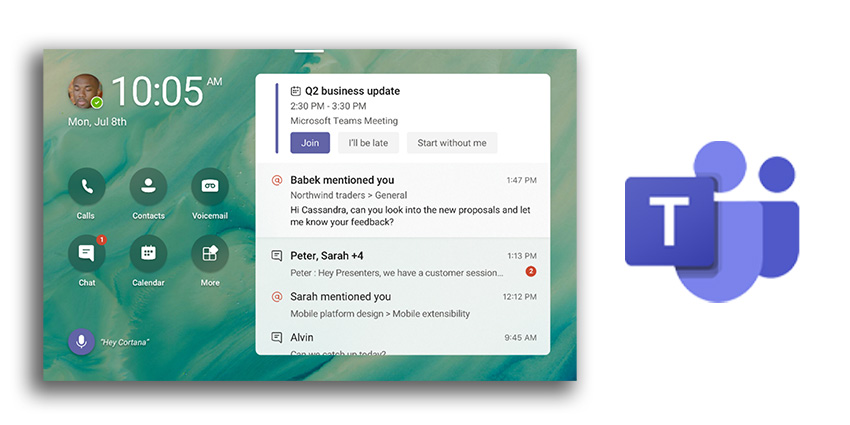
Microsoft Teams is constantly introducing new features and functionalities for today’s collaborative teams. This includes new functionality not just for messaging, video chat, and calling, but also for Teams peripherals and meeting experiences too. In June 2021, Microsoft revealed a series of updates to the Teams display landscape, with experiences built to be more “personal” for individual users.
Microsoft also issued a request to all customers, asking for their inputs on how they use the Teams display, and what Microsoft can do to make the experience as engaging as possible with future updates. Here’s what you can expect from Teams Displays now.
Wallpapers, Captions, and Other Features
One initial update to the Microsoft Teams Displays environment is the introduction of new wallpapers for display screens. If you’re feeling like a change of scenery, the wallpapers come in a host of designs and colors to suit any mood. The wallpapers will work across your ambient screen, Teams app, and calendar.
Another exciting addition this month is the 1:1 call captioning feature. When you’re struggling to understand other people in your team, the captioning functionality will help to bridge language and understanding gaps. The new display capability will transcribe what’s being said in real-time, with captions currently available in only US English.
Presenters can now also unmute participants without the “Raise Hand” function. In the past, muted attendees would have had to virtually raise their hand for presenters to manually unmute them. However, without this setting, an attendant can unmute themselves to make contributions without having to wait around for the presenter.
Microsoft further announced the introduction of Microsoft Outlook contacts available on Teams displays when in read-only mode. If you have contacts saved in Microsoft Outlook, these will be available in the People app now. You’ll only be able to see phone numbers for now, but it does speed up searching for contacts.


