
In the dynamic landscape of today's professional world, where flexibility and adaptability are paramount, the concept of hybrid work is an art that is yet to be mastered.
What's crucial to making hybrid work successful is employee buy-in. Workers around the world have proved over the last three years that they can be effective when based away from the office. Now, as hybrid and return-to-office requirements continue to replace fully remote working, some workers question whether there is a legitimate reason for the forced return.
For enterprises, there are broadly two approaches to bringing teams back to the office: the carrot or the stick. Some organizations have been making headlines with the ‘stick’ approach by forcing employees back to their offices, creating friction across the workforce in the process.
Alternatively, organizations have adopted a smoother, 'carrot' approach with return-to-office strategies. These companies demonstrate to employees why they should spend at least part of their week in the office The key to doing this, as explored in a recent UC Today article, is to focus on the employee experience.
Employees don't want to commute to offices for the sake of it, but they also don't want the fear of losing their jobs hanging over them. They need to understand why attending the office is beneficial and have the necessary collaborative environment to be productive.
Unfortunately, this is largely not the case when one considers meeting rooms.
In many offices, the adoption of new meeting room technology has not been kept up to date with new cloud-based unified communications and collaboration (UCC) platforms like Teams and Zoom. On top of this, the speed of UCC platform adoption has resulted in many organizations running multiple platforms that do not coexist well on third-party meeting room tech.
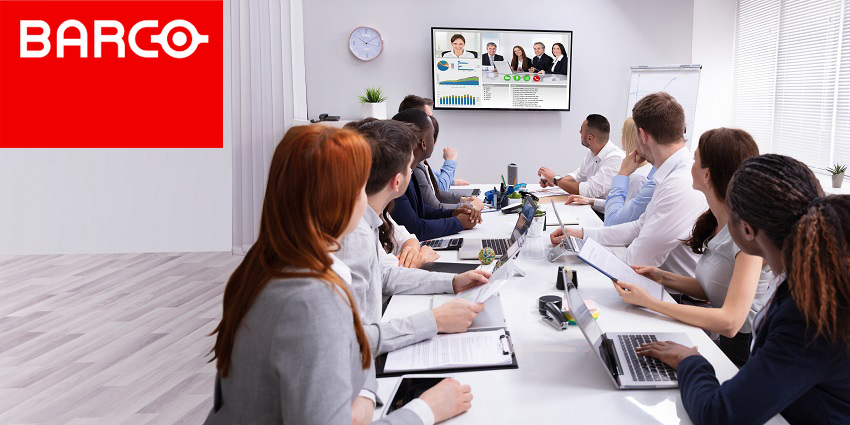
All of this culminates in a clunky hybrid meeting room experience that frustrates employees and stifles productivity.
"There are still challenges around the propriety nature of room systems. Most employees meet in various rooms throughout a day and typically encounter different in-room technologies, each with its own user experience and interface," said Stijn Henderickx, EVP Meeting and Learning Experience at Barco, told UC Today.
"This disconnected approach can cause stress, anxiety, and time because the employees are not confident with using that meeting room's technology or are unaware of the features available to them. These challenges lead to lost productivity, as meetings are often delayed due to in-room technical difficulties."
The anxiety-inducing experience epitomizes why some organizations struggle to generate enthusiasm for returning to the office. One could think, 'why swap the comfortable, familiar home office set-up for a minimally appointed shared desk and meeting spaces that distract more than contribute to team collaboration?'
Barco Removes the Anxiety
Barco is helping organizations overcome these poor experiences by reducing complexity across meeting spaces of all sizes. Barco's ClickShare portfolio enables hassle-free content sharing in meeting rooms with its ClickShare Present range, as well as seamless wireless conferencing with its ClickShare Conference range. The ClickShare Conference CX-50 2nd Generation also offers meeting switching between popular meeting platforms – giving participants a better meeting experience.
The recently released ClickShare Conference CX-50 2nd generation Base Unit enables users to bring their own laptop and meeting platform to a propriety meeting room set-up. The model offers switching between popular platforms. For example, a user can start a Zoom call in a Microsoft Teams Room (MTR).
"We're providing a consistent user experience across all meeting spaces, making it easy to engage with the in-room technology and scale personal devices to professional meeting experiences," Henderickx said.
The experience is far simpler than one would imagine. For example, with just a single click of a connected ClickShare Button, one can simply follow the normal process of starting a Zoom meeting. The CX-50 2nd generation will then notify the supported MTR device and initiate the switch into BYOD (Bring Your Own Device) mode. Once the call has ended, it will automatically return the system to its in-room conference set-up.


