
powering productive workplaces
Front page
NewsUC&C9 Feb 2021 · 2 min read

Zoom Integrates with Google’s AI Assistant

Zoom integrates with Google Assistant on Nest Hub Max, letting workplace buyers start meetings by voice and prioritise Zoom traffic on Google Wi-Fi.

Zoom Google AI Assistant integration

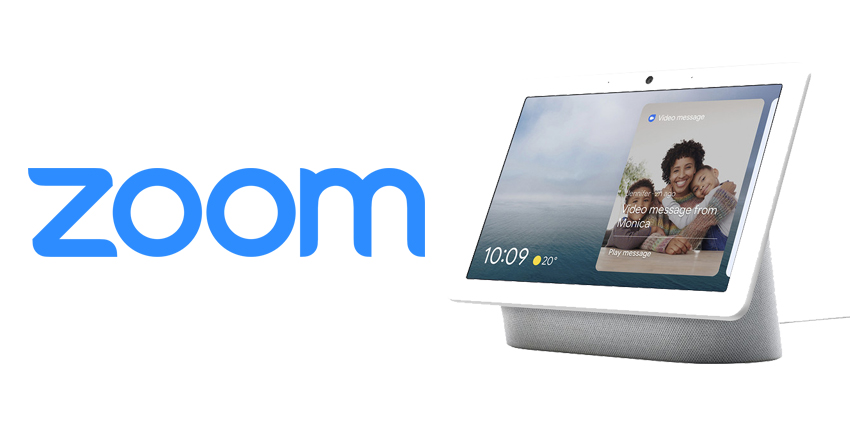
Zoom has integrated with Google Assistant, allowing users to start Zoom meetings from Google Nest Hub Max devices.

A range of Google Assistant-enabled smart displays now allow you to make calls through Zoom, using just your voice to start the meeting. The Nest Hub Max, which arrived alongside a series of improvements to the Google Duo and Meet services, comes with access to Zoom for the UK, the US, Australia and Canada.

Accessing Zoom Through Google

Zoom already has dozens of integrations with leading software and hardware solutions, intended to make the virtual meeting experience better.

The initial previews for the Zoom application through Google Assistant started in December 2020 but Zoom and Google have now officially announced the full experience is open to everyone in the announced markets. To start a meeting from the Nest Hub Max, users need to say “Hey Google, Start a Zoom Call”.

You can join meetings on Zoom from your Google Calendar too. What’s more, Google has promised a handy solution for people worried about losing internet connection mid-meeting. Google Wi-Fi and Nest routers can also be set to automatically prioritise video conference traffic over Zoom, as well as automatically doing so for Meet.

While Google does have its own meeting solutions available, the company also clearly sees the benefits of offering its customers choices for how they meet. This integration with Zoom is a valuable step forward towards a future where collaboration environments are more flexible and connected.


What’s Next for Google and Zoom?

To use Zoom with Google’s Smart Assistant, you will need a Google Account to create your meeting, and you’ll need the latest version of the Google Home app, and Google Assistant. You also need to ensure that you have a Zoom account - either free or paid.

Just like with any meeting room setup, the Google Assistant allows you to start a meeting by tapping on the “join now” button on an invite or calendar. You can also invite people to your meeting through the Google Assistant app too. For extra security, each person you invite will “request” to join the meeting, so you can admit or deny entry to whoever you choose.

For now, the Zoom experience is only available for Google users with the Nest Hub Max, simply because smaller versions of the Nest devices don’t have a camera for video meeting capabilities. As Google releases new devices, it will be interesting to see whether the relationship with Zoom continues to blossom.


rate this story
helps rank stories across uc today
The discussion0 takes · attributed & checked

Does this reflect your experience?

opening the room…
Read nextordered by techtelligence · every pick explained
same beat · UC&C

GoTo CX Complete: Is GoTo Building the SMB AI-Powered UC+CC Layer Before Rivals Catch Up?

13 Aug 2026
matches this topicInfoComm 2026: Iowa State's Mike Pedersen on Why Higher Ed AV Must Embrace AI Fast23 Jun 2026matches this topicInfoComm 2026: Microsoft's Keynote, AI, and the Rise of UC19 Jun 2026
