
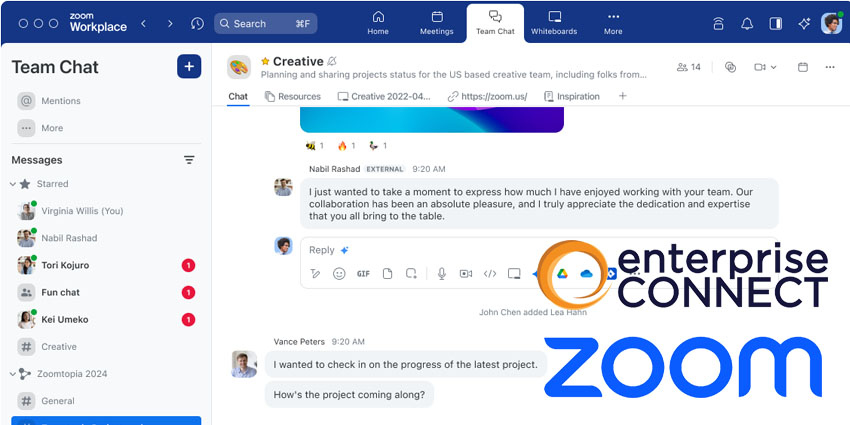
Zoom has announced Zoom Workplace, a new AI-powered collaboration platform that brings several critical solutions into one unified hub.
Announced at this week's Enterprise Connect, Zoom Workplace will introduce new innovations intending to support businesses reimagine teamwork, facilitate connections, improve productivity, and optimise flexible work experiences. With Zoom AI Companion, all employees within a company can bolster productivity, collaborate more effectively, and improve their skill set.
Smita Hashim, Chief Product Officer at Zoom, commented:
We have seen the positive impact that Zoom AI Companion has had on our business and our customers, transforming how we work by freeing up precious time for collaborative teamwork. Zoom Workplace with AI Companion will help solve real customer problems by bringing the core collaboration solutions into a single AI-powered platform to help improve productivity, efficiency, and the overall workday, all within the Zoom experience users trust and love."
Zoom Workplace remains an open platform, offering customer choice through Zoom's APIs, SDKs, and over 2,500 integrations in the Zoom App Marketplace. With the introduction of Zoom Workplace, users can enjoy a refreshed user experience, including the ability to select from four color themes within the app and add customised virtual meeting backgrounds.
At launch, Zoom One bundles will be rebranded as Zoom Workplace bundles, providing new and existing customers with straightforward pricing for our various offerings.
Zoom Workplace's Feature Set in Detail
In Zoom Meetings, users will discover a new Meetings tab within the app for pre, during, and post-meeting collaboration. It offers traditional calendar views and acts as a central hub for agendas, recordings, and shared assets, including documents and AI Companion features. Continuous meeting chat, introduced last year, enables ongoing collaboration beyond meetings and is now accessible from the new Meeting card before and after the meeting.
During meetings, the new multi-speaker view automatically adjusts the video layout to emphasise active speakers, aiding attendees in following discussions more easily. AI-powered portrait lighting enhances users' faces in low-light conditions, while generative AI virtual backgrounds enable custom background creation.
Other new Meeting features include a customisable toolbar for pinning frequently used features. Multi-share allows multiple participants to share screens, documents, whiteboards, and notes simultaneously. Document collaboration enables streamlined access permissions and co-editing from third-party apps within meetings.


