

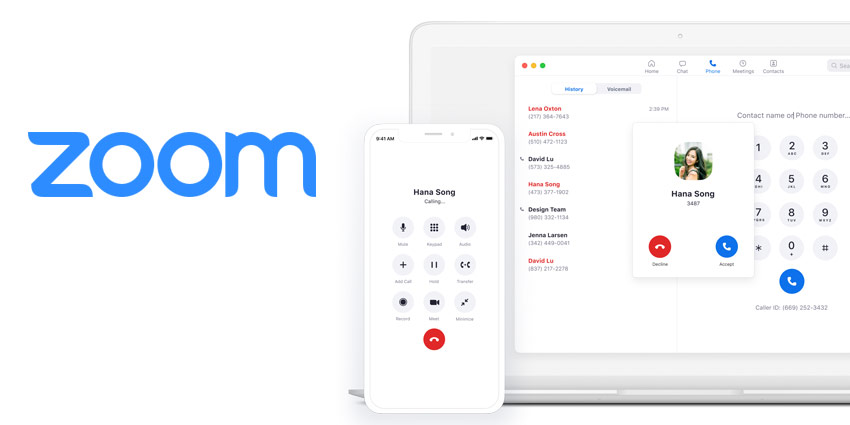
Over the last year, Zoom has quickly emerged as a household name for many countries. Not only are companies relying on Zoom for video, but they’re also turning to the service for chat and telephony. Zoom Phone, the solution intended to enhance and modernise the standard PBX experience, is rolling out a constant stream of new features and functionality.
Right now, Zoom Phone boasts more than 400 features, making it a valuable choice as a cloud PBX. In recent months, Zoom has introduced everything from new IP screen lock functionality to protect local information, to tools that allow users to reserve phone numbers and port blocks of numbers to Zoom.
I caught up with Zoom Phone Product Marketing Manager, Cari Dick, to learn more about where the Zoom Phone environment is headed. Cari brings a Microsoft background to Zoom, giving her excellent insight into the potential of collaboration and modern UCaaS solutions.
How Important is Spam Call Detection and Blocking?
[caption id="attachment_33991" align="alignright" width="200"] Cari Dick[/caption]
Cari told me that voice is an important focus area for Zoom, as the team understands that the pillar of telephony isn’t going anywhere. “However, the roles that need telephony today also need richer features on top of calling, like analytics and integration with productivity suites and CRM. People want more for their business. We’re adding modern features to the core telephony experience to help businesses evolve.”
Spam detection and blocking is a valuable addition to the Zoom Phone feature set because it improves the user experience and reduces team distractions. Soon, Zoom Phone users will be able to filter out unwanted calls by using artificial intelligence to determine which calls are spam. The system can then send calls to voicemail or block them entirely.
“People want less distraction in all parts of their lives, and avoiding spam is a valuable part of this. Through artificial intelligence, we can essentially use crowdsourcing to teach the system what spam looks like, so you can avoid it”
What’s Digital Alerting and Signage for E911?
Zoom is constantly making updates to the security and compliance measures available through the UCaaS experience. Zoom Phone admins can now bulk-change user settings through template enforcement and implement policies for security.
There’s also a new feature in the form of Zoom Phone alerts on digital signage for Nomadic E911. This basically means that the calls made from Zoom Phone 911 automatically alert 911 and the company safety team responsible for handling the issue via chat and voice call. Through chat, the team has the option to engage Zoom Rooms signage to help the emergency responders locate the user that is calling emergency services and provide more context to the situation.
This is a crucial part of making the new workplace safer and more compliant in an evolving landscape.
Tell us About Zoom Phone Team SMS?
I was keen to learn more about Zoom Phone Team SMS as a solution for expanding the functionality of the Zoom Phone experience. With the SMS offering, members in a call queue get the opportunity to respond to and transfer texts between group members, reducing the risk of duplicate responses. The team SMS solution also helps to escalate calls and conversations more effectively for the end-user.
“Basically, members of the call queue can manage conversations with customers through SMS. You can transfer a chat through SMS to someone who has the right information to tackle the issue, just like you would transfer a call.”


