
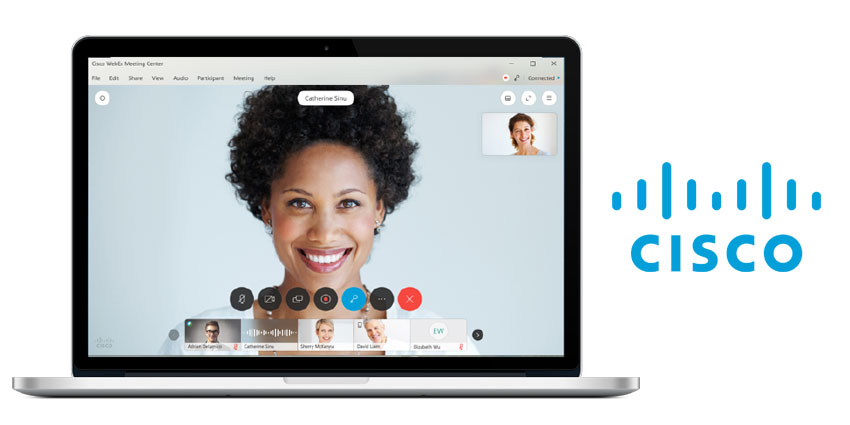
Cisco is once again making updates to your Cisco Webex Meetings experience, with a slew of changes announced by the company in the last few days. The 28th of November update, named “WBS39.10” highlights a number of exciting adjustments to Webex Meetings, including the option to access enterprise live streaming within the Webex Meetings app.
The Live Streaming feature is currently available in Beta mode, through Cisco partners for enterprise video, IBM and VBrick. These native integrations will allow users to easily deliver live content and video to thousands of viewers at once from a single meeting.
So, what else is new from Cisco Webex? Here are just some of the most enticing changes.
Recover your Video Quality Quicker After Network Issues
Many of the updates to Cisco Webex Meetings are relatively simple, like the new option to toggle a mirror effect onto your video stream in self-view. This will let you see exactly how you appear to other participants in a meeting. You can also gesture to things around you without wondering which direction you should be pointing in, which is super helpful.
Cisco also switched up the design of the preview window which make it more evident that you’re previewing your video before you join a meeting.
However, for those worried about meeting quality and disruptions, a major update has to be the option to recover the quality of your video quicker after your network drops. Cisco has updated its algorithms for adapting to and detecting changing network conditions. Webex Meetings will be able to recover faster from packet loss and bandwidth congestion issues. That means that your video will jump back to a higher resolution faster after you’ve struggled with packet loss or congestion.
Improved Audio Quality for Meetings
It’s not just consistent video quality that’s improving with the latest update to Cisco Webex Meetings either. The Cisco brand has also improved how the Webex Meetings app can handle things like background noise when there are different apps and devices taking part in a single meeting.
The Webex Meeting app can now better detect background noise in the room and reduce it more effectively too. What’s more, your app will reduce voice suppression when noise is coming from your video and audio systems. That means that you don’t have to worry about your meeting participants struggling to hear you speak.


