powering productive workplaces
latest
Front page
GuideUC&C24 Jan 2025 · 1 min read

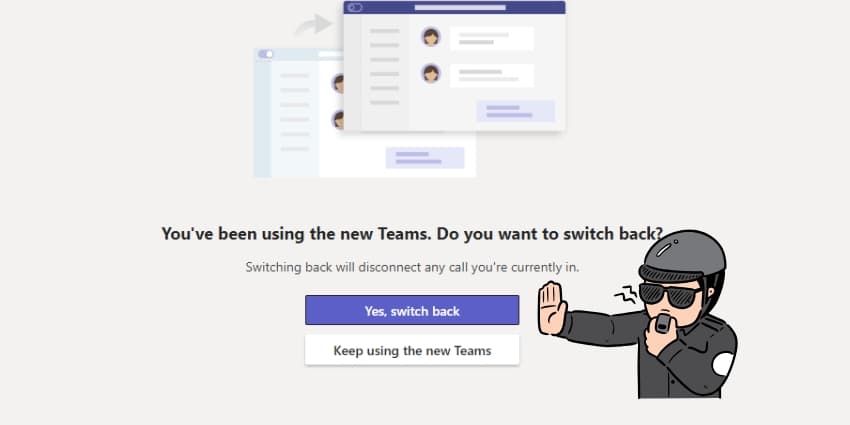
Finally Kill That Annoying Teams Classic Toggle: The One Fix Microsoft Won't Tell You About

Discover the permanent fix for Teams' persistent Classic toggle prompt. Learn how to eliminate version-switching notifications with this proven solution that goes beyond Microsoft's official guidance. #MicrosoftTeams #Productivity

Fixing the Teams Classic toggle issue

The Problem with Microsoft's Official Solution

While Microsoft's official documentation suggests using Settings to toggle versions, countless users report this doesn't permanently resolve the issue. The root cause lies deeper in your local system configuration.

The Real Solution: Removing Legacy Traces

Step 1: Clean Up System Icons

Remove the old Teams icon from:

  • Start menu
  • Taskbar

Step 2: Establish the Correct Pathway

  1. Search "Microsoft Teams" in Windows
  2. Locate the alternative version labeled "work" or "Microsoft Teams (work and home)"
  3. Right-click and pin to your Start menu and Taskbar

Why This Fix Actually Works

This solution addresses the core issue: conflicting system references to different Teams versions. By removing legacy traces and establishing clean launch points, you prevent the toggle prompt at its source.

The Impact on Your Workflow

The transformation is immediate:

  • No more toggle prompts
  • Clean Teams launches
  • Reduced user frustration
  • Improved team productivity

Want to Master Microsoft Teams?

The Ultimate Microsoft Teams Guide - Your comprehensive resource for maximizing Teams potential.

Microsoft Teams Pro Tips - Bookmark this page for regular updates on expert Teams tips and tricks.

rate this story
helps rank stories across uc today
Join the conversation

Does this reflect your experience?

opening the room…