
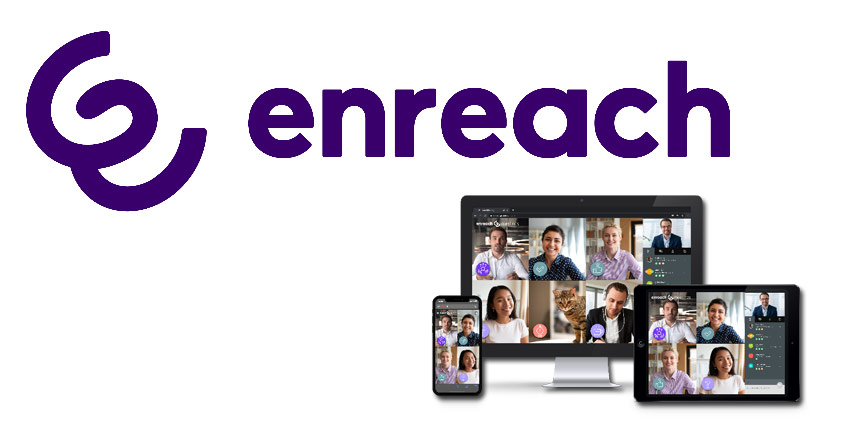
Enreach Meetings is being enhanced by a series of new features that help make meetings more natural and productive, combined with exceptional ease-of-use. Building on the success of Enreach Meetings to date, these new features have been developed based on user-feedback, and help users to have even more effective meetings while working remotely.
The first major new feature to be introduced is Stickers, a brilliantly simple concept that delivers powerful benefits. Stickers is a collection of icons, which many of us already use to convey opinions and sentiment in other parts of our digital lives. So why not bring this instant way to communicate to our business meetings too? Stickers adds another dimension to meeting experience, and benefits include making meetings more interactive, enjoyable, and simpler to manage.
Enriching meetings
Stickers help more people contribute to a meeting (rather than just the main speakers), while making it easier to convey more information and nuances. This helps to mimic a face-to-face meeting, which has a variety of input from non-verbal cues.
Another advantage is reduced in-meeting fatigue. In physical meetings, people’s attention goes in different directions: they look at each other, at their laptop or notepad, and around the room. They may get up to fetch more coffee, or take a quick break. Stickers helps replicate that more natural way of meeting, by literally giving people something else with which to engage.
It is also easier for the moderator to keep track of who wants to communicate something, rather than having to look at multiple video faces, or read the chat dialogue. The Stickers mini menu is quite central, so people’s emoticon messages are easy to see and are live for seven seconds, or can be pinned to stay visible for longer.
Examples of Stickers in action:
- Urgent question or need to leave the meeting, but finding it hard to break into the conversation? ‘Raise a hand’
- Moderator sets everyone an exercise. Ask them to pin a ‘check mark’ when they have completed the task
- Want to agree with the point being proposed? Choose ‘no objection’
- Moderator wants to give the guest speaker the floor? Click the ‘no discussion’ icon
- Moderator wants to check in on some actions? Use the ‘check / no check’ sticker to respond
As well as a standard pack of Stickers being introduced to Enreach Meetings, there will be a series additional packs specifically for popular methodologies, including Agile, Scrum, and Holacracy (which is already available).
Ease-of-use enhanced – including Active Speaker
There are usually two main reasons that people choose one online meeting service above another: simplicity of setting up or joining a meeting, and the in-meeting experience. Those attributes are already fundamental to Enreach Meetings, and another enhancement is Active Speaker, with a fresh, more intuitive user experience.
With Active Speaker, the person speaking is larger than other participants’ video images, to optimise sharing of information to the rest of the audience, as well as being another way to change the screen regularly and keep people visually-engaged.



