

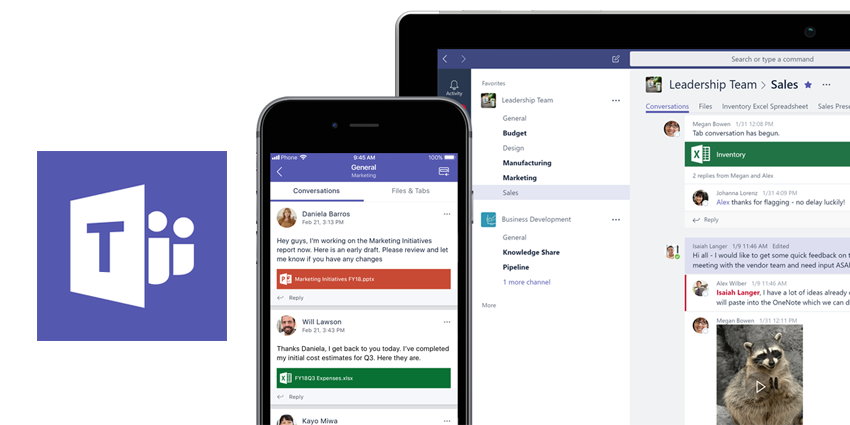
In February of 2019, Microsoft came out and share its much-awaited Microsoft Teams Templates feature. Now publicly available, the upgrade lets users rapidly create a new team by using an existing team as a template.
With several Teams Templates available, users can quickly set up a Teams Channel, install Apps, or even pin Tabs. What’s more, as you peruse through the Template reservoir, new teams can be created based on best practices and lessons learned – leveraging a new REST endpoint, part of the Microsoft Graph API.
This brand new template repository is also segmented for specific industries:
- Education templates - Class, Staff, and PLC teams
- Retail templates - Store and Manager Collaboration
- Healthcare templates - Hospitality and Ward
It’s important to note that each category comes with multiple templates, detailing intended usage and possible guidelines for team creation.
Overview
The idea behind the Templates initiative is deceptively simple: create templates for a team building around specific business needs and teams requirement. Teams templates can be used to initiate collaboration spaces that are innovative and in-line with unique and individual content delivery objectives. Additionally, this feature has been designed with consideration for user personas (two clearly demarcated ones):
- The team member responsible for planning, curating and managing multiple teams across the company
- Developers looking to programmatically assemble a team with predetermined channels and apps
Capabilities
While properties like – Team membership, Team picture, Channel settings, Connectors, and Files & content – are not currently supported by Teams Templates, there are a number of base template types available. These base templates carry proprietary apps which may not be always accessible through the store.


