
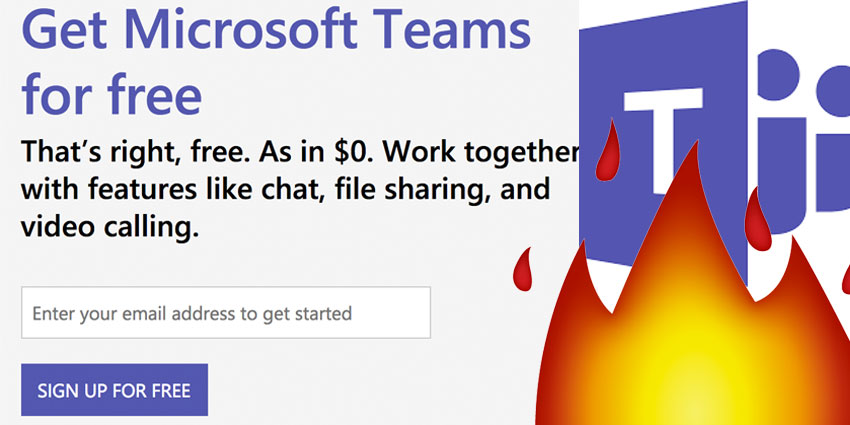
Looking for an alternative to the Slack workflow application after the recent outage issues? You're in luck, Microsoft has just announced that they're introducing a brand-new free version of their flagship collaboration and communication tool, available for companies across the globe.
Available in 40 languages, the free version of Microsoft Teams will be ideal for any smaller companies who don't want to pay extra for their workflow tool, and those who don't already have a commercial Office 365 subscription. Plus, if you're looking for a chance to try before you buy - what could be better than a free service?
Since it launched back in 2016, Microsoft Teams has been in almost constant competition with Slack. Of course, it's been difficult for the application to get ahead of a solution that has its own entirely free tier. Though 200,000 businesses are already using Microsoft Teams, the absence of a free model has made it harder for small businesses and freelancers to get involved. That all changes now.
What Can You Get Out of the Free Model?
Whether you're a small business owner, freelancer, or something else entirely, you can start using Teams immediately without any charge whatsoever. The best news is that Microsoft hasn't stripped much of the functionality out of the premium Microsoft Teams offering, so you can still get a lot of out of your collaboration app. The free tier comes with a significant selection of features, such as:
- Unlimited chat message
- Simple search functionality
- Built-in video and audio calling for groups, individuals, and teams
- 10GB of team file storage and an additional 2GB of personal storage
- Integrated real-time content creation with Word, PowerPoint, OneNote, and Excel
- Unlimited app integrations with 140 options to choose from
- Options to communicate and collaborate with anyone inside or outside your organisation
The Teams free offering is more immersive and in-depth than what you can currently get from Slack. In comparison, the free tier of Slack is somewhat restricted, with only 10 app integrations available, no guest accounts, and a limitation of 10,000 searchable messages. On top of that, there's only 1:1 video chats available, and 5GB of storage for your files.
Who Can Access Free Microsoft Teams?
Ultimately, if you have fewer than 300 users to serve with your collaboration and workflow application, then you can easily benefit from all the solutions that Microsoft Teams' free version has to offer. In fact, you might find that you enjoy it more than the Slack equivalent, as long as you don't grow your business too quickly.
Any person with a consumer or corporate email address can sign up for Teams. However, the free version will be particularly compelling to freelancers and smaller companies who don't already have a paid subscription for Office 365. Importantly, if you're already signed up for a paid Office 365 commercial account, then you'll simply get routed through the system into a managed experience for your current tenant.
If you're worried about hitting the limits with your free Microsoft Teams offering, it's not too much of a problem. If you go over what's available, you'll simply be asked to move into a paid Office 365 subscription, which starts at a rate of around $5 per user per month.


