
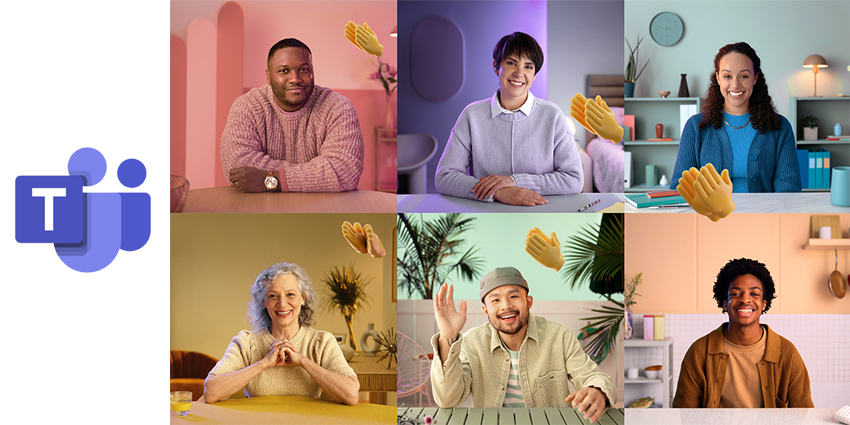
Not content with simply leading the business environment for communication and collaboration, Microsoft Teams is now introducing a solution for the consumer community too. With more than 145 million daily active users worldwide, Teams has officially taken the collaboration world by storm. So, why should professionals have all the fun?
Responding to the growing demand for digital communication experiences since the pandemic of 2020, Microsoft is now introducing a personal version of Teams. According to the Microsoft leaders, 2020 reminded us all of how important it is to bring people together for those special moments – even in a digital environment. Microsoft Teams is available for the interactions we need to have with our professional groups – but what about outside of that?
Personal Microsoft Teams is for the collaboration that happens outside of work. The personal features in Teams will be available via desktop mobile, and web, and aim to bring people together with the people they love. Whether you’re coordinating a long-overdue dinner date, or just catching up, you can now do it all through Teams.
A More Personal Version of Teams
The personal features in Microsoft Teams aim to make us feel like we’re in the same room as the people we care about, with the same tools that professionals rely on every day. For instance, personal users can access Together Mode, the feature in Teams that can reduce video fatigue by bringing people together in a shared virtual environment. Together Mode can help you to feel more involved in a group experience, even when in-person interactions aren’t possible.
Other features like GIF reactions in messages will add new personality to conversations with friends and family members. Emoji reactions ensure you can show your crew how you’re feeling at any moment, and you can even keep a chat running at all times, just so everyone has a way to keep up to date with the latest news.
For video calls, Microsoft reassured customers that they don’t have to worry about who can use Teams or whether different links are required for different devices. Video call links are available to anyone – even users who don’t have Teams, and you can access them from any browser or device. There’s also support for up to 300 people in a meeting (Kudos, if you have that many friends!)
Planning and Interacting in a Digital World
Microsoft believes that this new personal experience on Microsoft Teams will be valuable not just because of the pandemic, but because we can all do with a little help managing our social lives at times. Like booking meetings at work, it can often challenge arranging a moment with the people you love. Microsoft Teams makes it easy for everyone to stay connected, as you can bring someone into your Team via SMS or email.
Once everyone’s in a chat, you can create shared to-do lists and assign tasks to people (like giving the kids their chores). You can also convert messages from chats into tasks, like a reminder that you’re out of milk, so you know to pick it up.
The personal features in Microsoft Teams include polls, so you can track decisions on where you’re going to meet for lunch, or what you’re going to do for an upcoming celebration. When a poll is completed, anyone in the group can act, assigning tasks, and adding information.
The dashboard environment in your chat will ensure you can keep track of all the information you need about upcoming events, shared content, and photos. There’s access to shared tasks and web links here too. This aims to save users a lot of time, where they would otherwise have to rush around collecting information to ensure day-to-day productivity.
Bringing Work-life Organisation Home
According to Microsoft, the past year has blurred the lines between work and life more than ever. A lot of us are living in a very different world to the one we knew in 2019. We’re constantly switching back and forth between work and family mode and looking for the balance in the age of the “new normal.” Microsoft’s personal features aim to make handling both sides of the coin easier.


