Microsoft Teams has launched a 'Meet' service for centralised calling and streamlined meeting catchup.
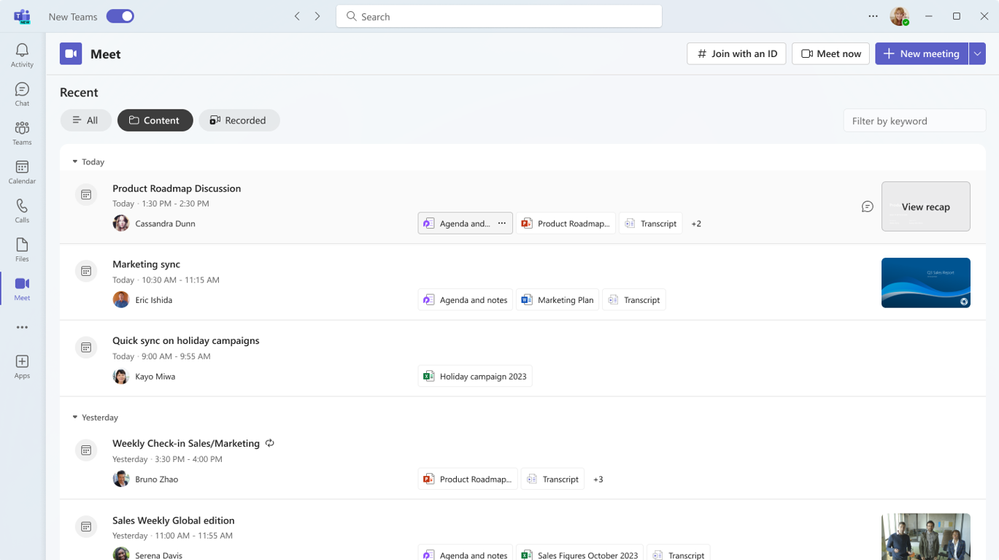
Meet offers users a unified place to view upcoming meetings and evaluate recent past meetings. It allows the rapid discovery of meeting content, including chats, files, agendas, shared documents, and meeting recaps.
The decision to create a Meet view was inspired by the increasingly packed meeting calendars and the challenges of prioritising those meetings, as well as the extra tasks of preparing for meetings, assembling relevant content, and catching up on past conversations.
Meera Ajam, Senior Product Marketing Manager at Microsoft, wrote in an accompanying blog post:
Meet is an app available in the new Microsoft Teams experience that centralizes all your common meeting preparation and catch-up activities, helping to enhance meeting efficiency by simplifying the prep work and reducing time spent reviewing missed meetings."
To access Meet, users must have installed the new Teams client, which can be toggled on in the top left corner of the Teams window. Then, users can choose the "view more apps" option in the Teams navigation bar and search for Meet. Users can also right-click and select "Pin" to pin the app to the bar for simple access in the future.
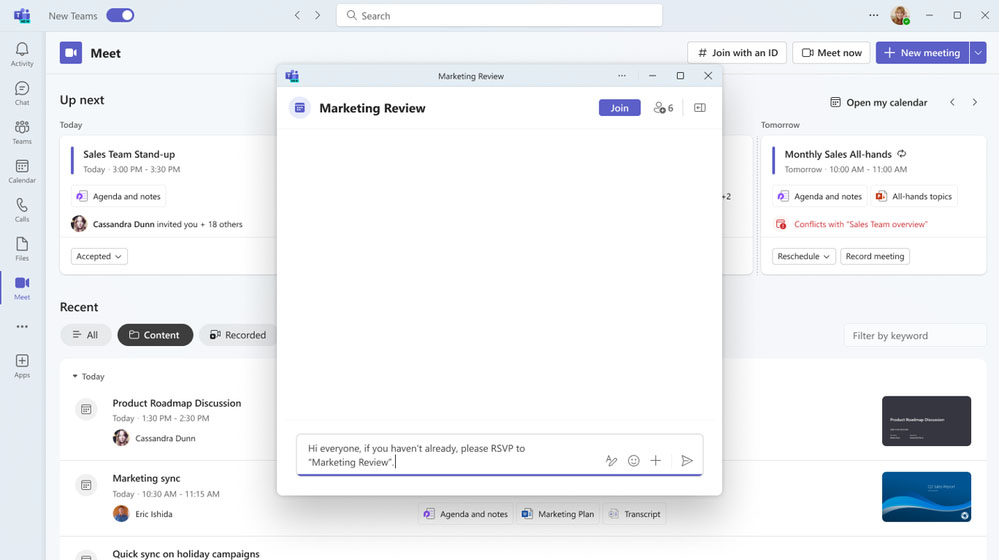
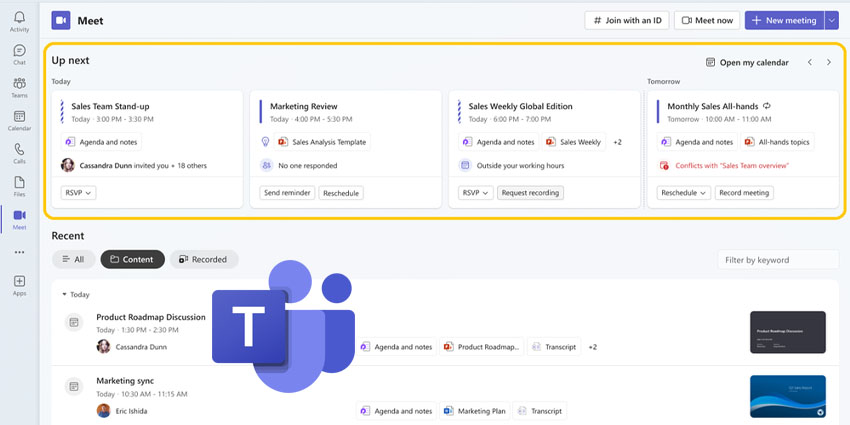
In the "Up next" area of the window, users can monitor upcoming meetings and critical information, allowing them to prepare for meetings with easy access to meeting content, including the agenda, shared documents, and meeting chat.
Users can utilise the chat before the meeting begins to share essential updates or prompt conversation in advance. Leveraging the meeting chat before and following the meeting ensures that asynchronous collaboration takes place in one unified space for reference and continuity.
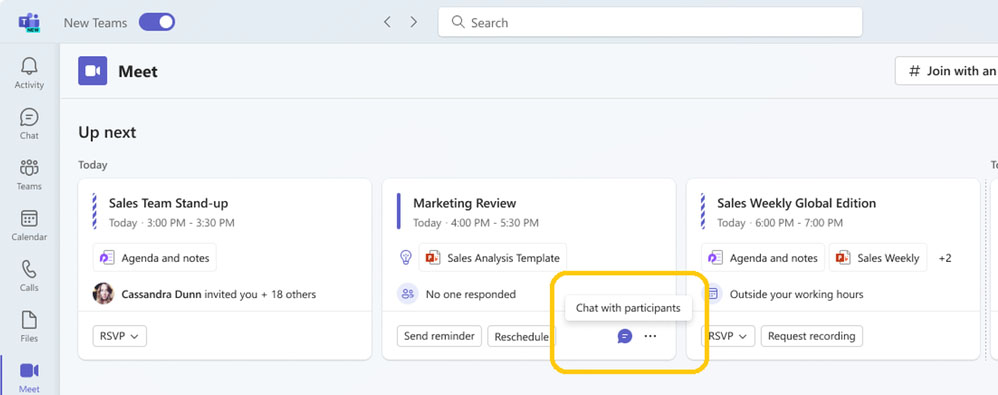
Meet can also provide valuable insights. These encompass whether a meeting is outside a user's working hours, if no participants have confirmed attendance, how many people have been invited, and who specifically invited the user to the meeting.
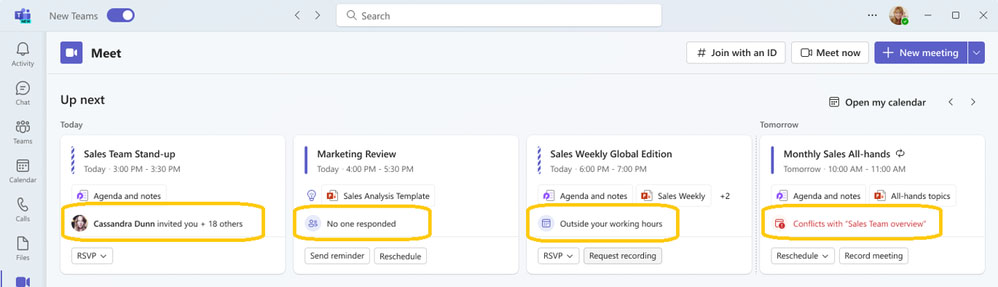
Users can enact rapid actions within Meet, including sending updates and making requests with one click. This includes whether the user is the meeting organiser or an attendee.
Meeting organisers have access to prompts, including "Reschedule", "Record", which opens meeting settings to toggle on automatic recording, and "Send reminder", which drafts a chat message reminding participants to RSVP.