
powering productive workplaces
Front pagesponsored · Microsoft
UC&C24 Oct 2018 · 2 min read

Microsoft Teams Now Available on Surface Hub

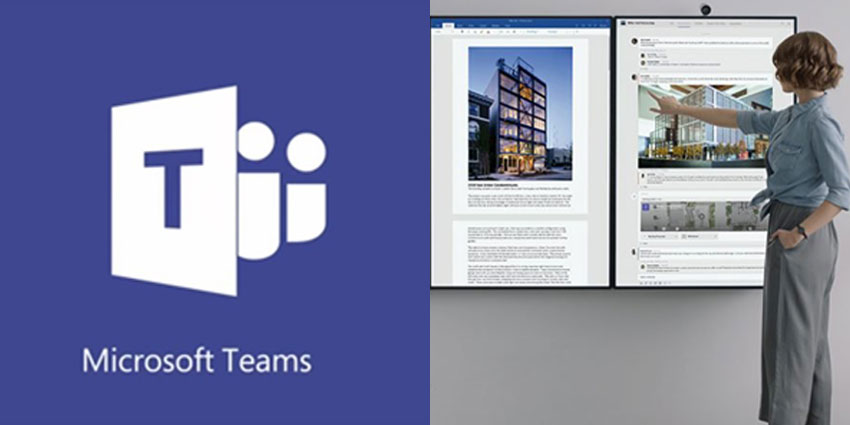
Microsoft recently revealed that their Microsoft Teams collaboration service is now available as an app for the Surface Hub.

Microsoft Teams on Surface Hub

As business leaders look for new ways to empower their teams, interactive whiteboards and displays are growing increasingly popular. Innovations like the Microsoft Surface Hub endpoint allow for quick and seamless real-time collaboration, with the ability to annotate documents, share screens and more. In an environment where in-person interactions aren't always possible, the Microsoft Surface Hub ensures that any organisation can stay productive and creative, regardless of where staff members may be.

Microsoft have announced that they're now making the Surface Hub even more engaging for business groups, with a native application for Microsoft Teams. The app is now generally available, and it should help to make the meeting experience even easier for Microsoft users.

Accessing Microsoft Teams on the Surface Hub

To unlock the benefits of Microsoft Teams on the Surface Hub, you'll need to check through the update history for your device and make sure that you have KB4343889 installed. From there, you'll be able to download the Microsoft Teams app from the Microsoft Store and set it up to suit your users.

For now, Microsoft has reassured users that general availability of a Microsoft Teams app on the Surface Hub doesn't necessarily mean that Microsoft will be removing the Skype for Business client from the Hub. Today's customers can continue to use both services simultaneously in one of three available modes:


  • Mode 0: This mode is designed for companies who want to keep their system as-is. It's ideal for companies that need to use Skype for Business primarily but want the option to join Microsoft Teams from their Surface Hub endpoint too
  • Mode 1: This option is intended for companies in the process of transitioning away from Skype for Business into Microsoft Teams for primary use. It allows you to continue using Skype for Business Meetings when necessary
  • Mode 2: Here, the Microsoft Teams tiles will be displayed on your Surface Hub Start Menu and Welcome Screen. All of the Skype for Business functionalities will be disabled - concentrating exclusively on Teams

The Ultimate Teams Experience

The new generation of the Microsoft Surface Hub device, the "Surface Hub 2" was designed around the Microsoft Teams application. It makes sense that Microsoft would want to make Teams generally available as part of the interactive whiteboard experience.


The discussion0 takes · attributed & checked

Does this reflect your experience?

opening the room…
Read nextordered by techtelligence · every pick explained
more from Microsoft · sponsored

The Intelligent Control Plane: Why Cloud UC and Microsoft 365 Operations Must Move From Automation to Autonomy

15 Apr 2026
same beat · UC&CGoTo CX Complete: Is GoTo Building the SMB AI-Powered UC+CC Layer Before Rivals Catch Up?13 Aug 2026matches this topicSamsung Pushes Deeper Into EdTech With New Display Software30 Jun 2026
