
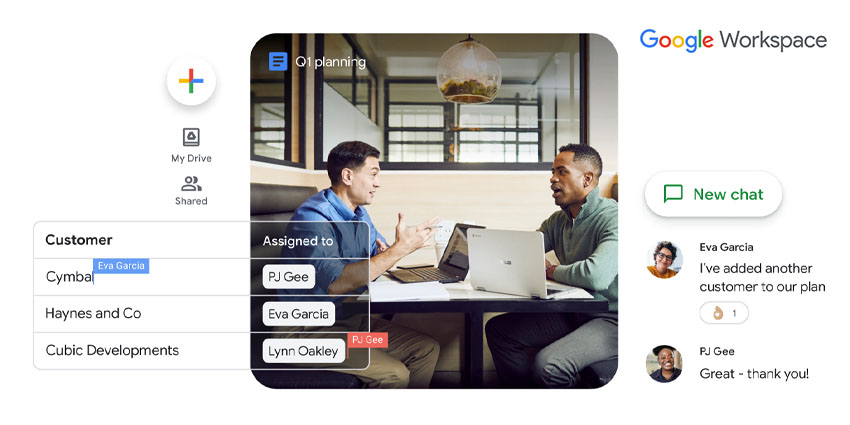
Google first launched its suite of productivity applications in 2006. Branded as Google Apps, the suite brought together the search engine giant’s various collaboration offerings like Gmail, Google Drive, Calendar, Google Meet, and a document editor. In 2016, it was rebranded as G Suite before finally relaunching as Google Workspace towards 2020.
Google Workspace aims to make online communication, collaboration, and productivity tools available. Teams and companies of every size can choose from one of its flexible subscriptions, ranging from free-forever to several thousand dollars per year. Google has rapidly revamped its Workspace offering to keep up with remote work needs in the last two years. For example, in September 2021, it announced a new Spaces feature in Google Chat, streamlined navigation, virtual/physical presence in meeting invites, live translated captions, and much more. Users need to sign up for at least an entry-level Workspace account called the Google Workspace Essentials plan to enjoy these features.
What Is Google Workspace Essentials?
Google Workspace Essentials is a Google Cloud plan that provides business users with the tools to collaborate, share files, co-author documents, and hold conferences. Users must bring their own pre-existing work email accounts to integrate Workspace Essentials. This is how it differs from all other Google Workspace plans, which include bundled email capabilities via Gmail for Work.
Google Workspace Essentials is available in two tiers – Starter and Enterprise Essentials.
Key Features of Google Workspace Essentials Starter
Google Workspace Essentials Starter is a new free PL launched in February 2022. The plan is meant for new users who have never used Google for Work before. This includes individual G Suite users who now want to upgrade to a team or organization-facing offering and companies looking to switch to Google Workspace from a different productivity suite. Essentials Starter is also suitable for new teams who want to move their productivity processes online (to the cloud) but avoid multiple tools and fragmentation.
The Google Workspace Essentials Starter includes the following key features:
- Documents co-authoring - The plan offers an office productivity suite that allows users to co-author and edit documents, spreadsheets, and presentations in real-time. Google’s Docs, Sheets, and Slides apps are available for this purpose, and these are interoperable with their Microsoft Office equivalents, i.e., Word, Excel, and PowerPoint.
- Cloud storage - The files created using Google Apps and those uploaded by users will be stored on Google Drive. The Google Workspace Essentials Starter plan comes with 15GB of free storage per user, which automatically syncs across smartphones, tablets, PCs, or any device running a browser. Google has its mobile-compatible Drive app for Android, iOS, and Chrome OS.
- Chat - Essentials Starter offers a full-featured messaging service, which now includes Spaces as well. Users can have 1-on-1 conversations, manage group chat, share files, assign tasks, and jump into video calls from Chat (for up to 10,000 chat messages). It has a tab-based user interface, where messages, files, and tasks appear under separate tabs for easy access.
- Video meetings - Essentials Starter includes Google Meet for unlimited 1-on-1 video calls, with no cap on call durations. It also supports longer sessions of up to 60 minutes for three or more meeting participants. Remember that the Starter plan can onboard only 25 employees/team members per account, and video meetings cannot have more than 100 participants.
- Checklist-based task management - Google’s productivity tool, Keep, is bundled into Workspace Essentials. Keep is a simple cross-platform to-do list management tool, supporting shared lists and notes.
- Surveys and sites - The company’s cloud-based online survey service, Forms, is also available in the Essentials Starter plan. It allows users to create simple but easy-to-navigate surveys integrated with email so that every survey response or action triggers an email alert. Further, you can create an essential intranet using the Google Sites service.
Keep in mind that all Essentials plans work with the user’s current email address, and the company will not provide a Google-hosted domain or inbox.


