
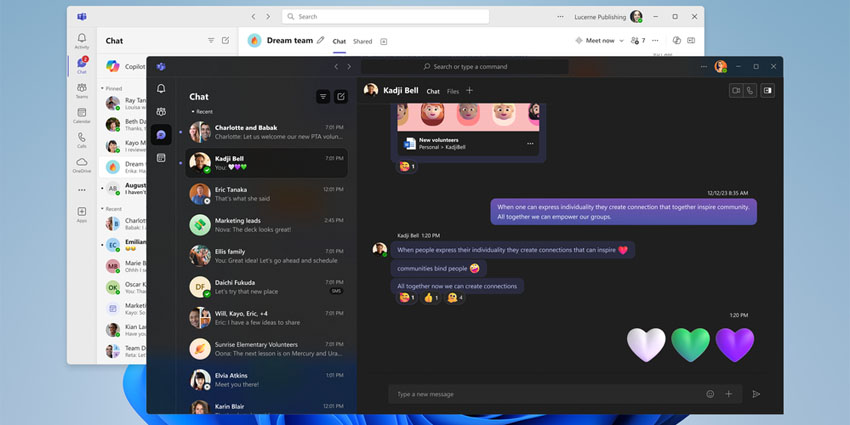
Microsoft has announced that its unified Teams app for personal and work accounts is now generally available.
The new app merges the two previously separate Teams apps — one for work or education, the other for personal use — into one platform that Microsoft stresses can be easily switched between. The new app, which has been in testing for almost a year, is now available for Windows and Mac users.
Amit Fulay, Vice President of Product at Microsoft, wrote in the announcement blog:
Microsoft Teams has transformed the way we connect and collaborate at work and in our lives. To date, there have been two Teams apps on Windows 11 – one for work or education and another for personal use. We’re thrilled to share that today the unified Teams app is now available on Windows 11, Windows 10, and Mac. This update brings work, personal, and education accounts into a single Teams app."
The new Teams desktop app supporting all account types is now available, complementing Microsoft's mobile apps on Android and Apple. If a user already has Teams on their desktop, the app will automatically update.
More Specifics On The New App's Feature Set
To manage or access multiple accounts in Microsoft Teams, users can click on their profile picture in the app's upper right corner. This will allow users to open work, personal, and education accounts in separate, side-by-side windows within the same Teams application.
Microsoft recognises that many users manage multiple Teams accounts. Fulay said the company has streamlined the process, allowing users to easily select their preferred account when joining a Teams meeting. Additionally, users can join as a guest without needing to sign in.


