
Microsoft has introduced several new Communities management and editing features to Teams Free to boost productivity.
Users can now find new options to "Edit community" and "Manage community", simplifying the process of refining communities without inefficient admin.
Miikka Oksanen, Senior Product Manager at Microsoft, wrote in a blog post:
You have just created a new community in Teams free and you realize you made a small typo in the community's name. With our recent updates it's now easy to edit your community details in Teams free on Windows 11, too. Additionally, you can accept community member join requests on Windows 10 as well now."
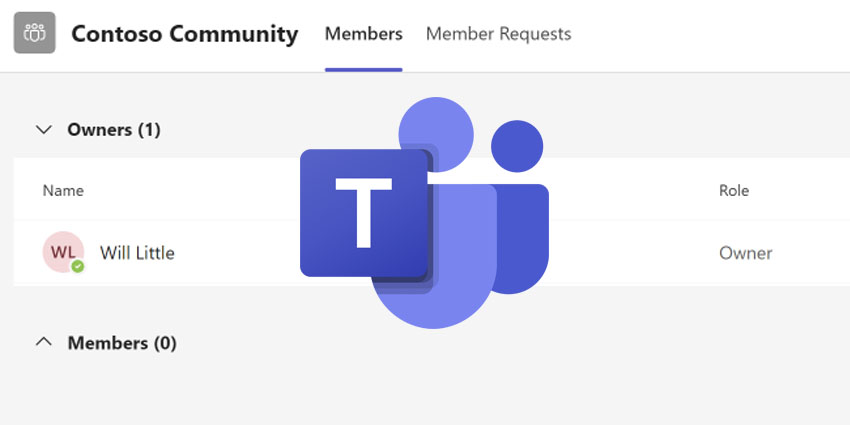
"Manage community" allows users to oversee the current owners and members in their community. When a community requires approval to join, the community owner can monitor member requests on the "Member Requests" tab and then accept or decline those requests.
"Edit community" presents users with a template for editing their community details. They can alter the community picture, name, description or community guidelines. They can also choose if new community members require approval from community owners before joining. Toggling this setting on affords users complete control over who joins their community.
Users can discover the new buttons "Edit community" and "Manage community" by selecting their community in the "Communities" list or selecting the options menu — "(...)" — next to its name.
Other Communities updates this week include the capability to share Community events on Android and iOS via the native share options of the mobile platform. This allows users to share their community events with their contacts more straightforwardly. Users can also utilise Microsoft Designer for all posts and replies, both in communities and chat in Teams, free on Windows 11.
Communities in Teams (Beta) for Windows 10, macOS, and Web has also started rolling out.
The "Significant" Addition of Communities to Teams
Communities was introduced to Windows 11 on Teams devices earlier this summer, in what Microsoft described as “the most significant set of updates to the free version of Microsoft Teams since December 2022".
The Communities update enables users to create groups for organising events and informing colleagues with up-to-date information. New capabilities introduced to the Communities section include new camera features and the function to search for and join public Communities.


