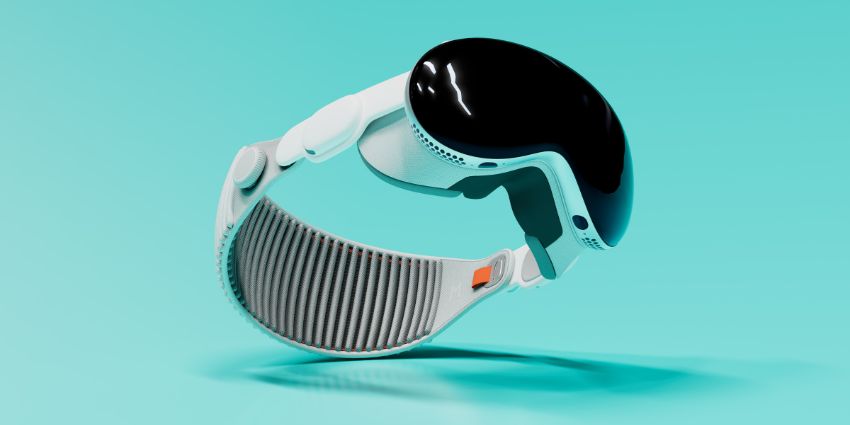

If you lead a team, you already know the story. Apple’s Vision Pro proved that spatial computing can unlock focus, faster decisions, and richer collaboration. At around $3,499, though, most organizations treat it as a pilot, not a fleet device.
Fortunately, now the market is bursting with Apple Vision Pro alternatives that slot neatly into Microsoft Teams, Zoom, and Google Workspace, and that matters because adoption lives or dies on workflow fit, not wow moments.
The timing is right. IDC expects spending on XR apps, services, and related tech to continue growing, a signal that businesses are moving from experiments to execution. Plus, the benefits are becoming more obvious. DHL’s “vision picking” pilots reported about a 25 percent productivity boost in the warehouse, the kind of gain that makes a CFO sit up.
In this guide to Vision Pro Alternatives, we’re looking at devices that focus on business readiness: unified communication, security and device management, comfort and session length, total cost of ownership, and the real use cases that scale.
Evaluating Apple Vision Pro Alternatives
Once you start digging into Apple Vision Pro alternatives, you probably already have a good idea of what you need. Something that makes work easier, more collaborative, and more creative, hopefully without the massive price tag. The most important things to think about:
- How well it plays with your tools: If it doesn’t talk to Microsoft Teams, Zoom, or Google Meet, it’s already a no. Meta’s Quest 3 now runs Teams Mesh and Zoom on Quest, while Samsung’s Galaxy XR leans into Android XR with built-in Google Meet support.
- If it keeps IT happy: No one wants another device that the security team side-eyes. Meta Quest for Business and Samsung Knox Manage finally give admins the ability to lock down, track, and remote-wipe XR gear just like any smartphone in the fleet.
- Comfort and clarity: Long meetings or design sessions? Go for micro-OLED displays, good ventilation, and balanced weight. It sounds boring, but poor ergonomics are why half of early AR pilots died before they started.
- Scalability: Headsets built on Android XR, OpenXR, or WebXR let you extend existing apps instead of rebuilding them from scratch. Think of it like buying software that won’t box you in two years from now.
When you get those things right, you stop thinking about XR as “hardware” and start seeing it as a new layer of communication that fits right into the business you already run.
The Best Apple Vision Pro Alternatives for Business
The field for Apple Vision Pro alternatives has exploded. What used to be a handful of expensive prototypes is now a full-on market of serious contenders; devices that understand business realities like budgets, IT policy, and comfort. Below are the headsets actually earning a spot in meeting rooms and enterprise rollouts this year.
Samsung Galaxy XR (with Android XR)
Samsung’s Galaxy XR headset doesn’t try to reinvent mixed reality; it just makes it work for business. Built with Google and Qualcomm, it runs on Android XR, which means no new ecosystem to figure out and no strange app stores to manage. You log in, sync your files, and start collaborating.
Specs that matter
- Dual micro-OLED displays, 3,552 × 3,840 per eye
- Snapdragon XR2+ Gen 2 chip
- 16 GB RAM, Wi-Fi 7
- About 545 g headset + 302 g external battery (roughly 2½ hours runtime)
- Priced around $1,799 (enterprise edition)
What makes it interesting is the practicality. You can open multiple apps side by side, drop into Google Meet, or pull up your company dashboards in a floating window. IT teams can push policies through Knox Manage, the same platform they already use for phones and tablets. It feels less like a prototype and more like something built for day-to-day work.
The downsides are the predictable ones: that external battery makes it a little back-heavy, and Android XR is still finding its feet with third-party developers. But as far as Apple Vision Pro alternatives go, this is the one that feels most ready for the realities of business, messy schedules, tight budgets, and all.
Meta Quest 3 (+ Quest for Business)
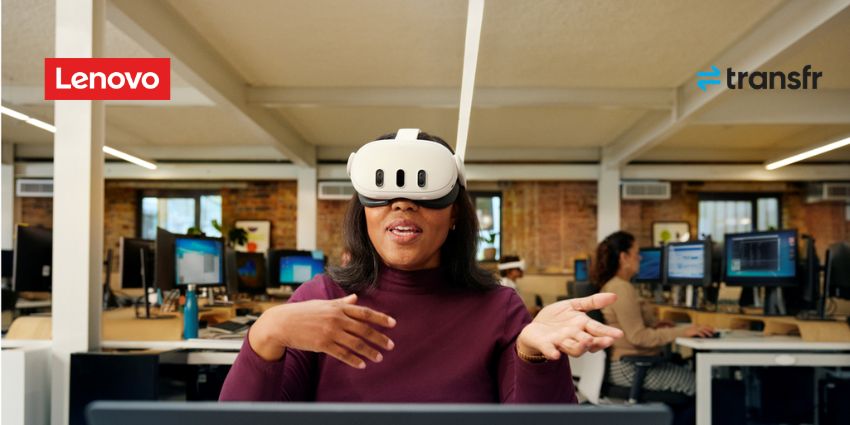
The Meta Quest 3 doesn’t look like enterprise gear. It’s light, bright, and unapologetically consumer-friendly. But underneath the fun exterior sits one of the most reliable and flexible Vision Pro alternatives on the market.
Specs that matter
- Snapdragon XR2 Gen 2 processor
- 2,064 × 2,208 pixels per eye (~110° FOV)
- Around 515 g weight
- Battery life of about 2–3 hours
- Starting at $499 (Quest for Business license extra)
For companies testing immersive training or collaboration, it’s a perfect entry point. The headset now supports Microsoft Teams Mesh and Zoom on Quest, and the business edition finally gives IT proper management tools too: remote configuration, app controls, and data policies through Intune or Workspace ONE.
It’s not perfect. Battery life won’t last a full shift, and the default setup still feels a bit home-user before you customize it. But it’s hard to argue with the value. You get enough power to run complex visual projects, enough support to keep security happy, and a price tag that won’t make your CFO flinch.
For many organizations, this is where mixed reality stops being a future concept and starts becoming another line item in the collaboration toolkit.
XREAL One Pro + Beam Pro Bundle
The XREAL One Pro isn’t trying to be a headset. It’s closer to a wearable monitor that just happens to look good and travel well. When paired with the Beam Pro: a slim Android-powered spatial phone, it becomes a clever little mobile workstation that business travelers and hybrid workers are starting to fall in love with.
Specs that matter
- Sony micro-OLED display, 120 Hz refresh, roughly 57° field of view
- Beam Pro phone adds 5G, Wi-Fi, and 3D capture capabilities
- Combined weight under 120 g for the glasses
- Bundle priced around £608 in the UK
This combo doesn’t drown you in menus or complicated gestures; it just gives you a crisp, private screen wherever you go. For remote calls or client reviews on the train, it’s a surprisingly natural fit. You can run Google Workspace, stream presentations, or use it as a floating monitor for your laptop. It’s not a full mixed-reality experience, but not every worker needs one. Sometimes a secure, distraction-free workspace beats holograms.
The main trade-off is that it’s still tethered, you’ll need the Beam Pro to power it, and IT management features are minimal compared to heavier enterprise kits. Still, as a portable productivity tool, it’s one of the most approachable Apple Vision Pro alternatives out there.
VITURE Luma Pro
The VITURE Luma Pro is what happens when smart glasses stop trying to be futuristic and start focusing on simple, brilliant visuals. These are sleek, lightweight, and perfect for anyone who spends more time on planes and client sites than in front of a desktop.
Specs that matter
- Micro-OLED 1200p display, roughly 52° field of view
- Up to 1,000 nits brightness, optional 3D mode
- Weight around 79 g
- Priced from $549 / £549
For creative professionals and hybrid executives, the Luma Pro delivers a floating display equivalent to a 120-inch monitor, only inches from your face. It’s fantastic for presentations, CAD previews, or just zoning in on work during travel. There’s no heavy setup, no controller pairing, and no corporate onboarding needed.
It’s not meant for field operations or immersive collaboration. There’s no AI assistant or enterprise app store. But as a practical Vision Pro alternative for mobile productivity, it’s refreshingly down to earth: pure focus, zero fuss, and beautifully engineered for people who actually work on the move.
HTC VIVE Pro 2 (PC-VR)
You can tell when a headset was built for serious work the moment you put it on. The HTC VIVE Pro 2 is exactly that. It’s not light, it’s not wireless, and it doesn’t need to be. This thing exists for design labs, simulation suites, and anyone who treats spatial computing like part of their toolkit, not a sideshow.
Specs that matter
- 2,448 × 2,448 pixels per eye, running up to 120 Hz
- Field of view roughly 120°
- Around 850 g for the headset
- PC-tethered with external tracking sensors
When you view a detailed CAD model or a complex 3D data set, the difference is obvious. Every edge is crisp. No shimmering, no blur when you turn your head. It’s overkill for casual use, but for architects, engineers, and trainers working with precision tasks, that fidelity pays for itself.
It does need a powerful workstation and some setup space. You won’t hand it to a new hire and expect them to just “jump in.” But if your organization runs digital twins, simulation training, or visual inspections, this remains one of the strongest Apple Vision Pro alternatives; old-school power dressed up for modern workflows.
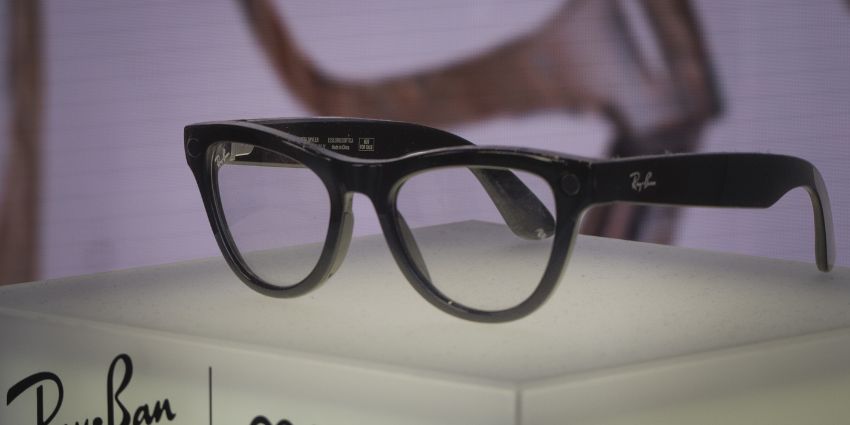
Meta Ray-Ban Display Glasses
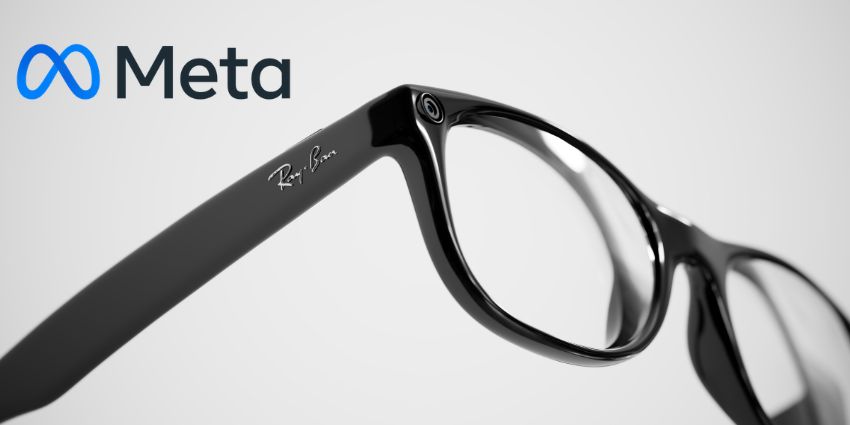
Meta’s latest Ray-Ban Display Glasses look like a style accessory until you realize they’re actually redefining what a work device can be. No bulky frame, no sci-fi visor, just everyday glasses that project a tiny display and respond to your voice or subtle finger gestures through a Neural Band.
Specs that matter
- Micro-LED display (about 600 × 600 pixels, ~20° FOV)
- 12 MP camera with 1440p video
- Six hours of active use, 30 hours with the case
- Retail price around $799 with Neural Band included
These are the first smart glasses people actually forget they’re wearing. Field technicians use them to stream live video back to HQ; sales teams run quick visual demos without touching a laptop. Voice commands trigger calls or notes, and the built-in AI assistant handles simple context prompts.
You won’t be building virtual prototypes or hosting holographic meetings on them; this is more about presence and convenience. For teams that live on the road or in the field, though, they’re the most approachable Vision Pro alternative yet. Lightweight, discreet, and smart enough to make information feel ambient instead of intrusive.
Apple Vision Pro Alternatives: Decision Guide
Choosing between Apple Vision Pro alternatives isn’t really about which one has the sharpest display or the most pixels per eye. It’s all about the kind of work you do.
| Goal | Best Option | Why It Fits |
| Company-wide XR training and collaboration | Samsung Galaxy XR | Android XR and Gemini AI make it ideal for meetings, virtual training, and multi-app workflows. |
| Affordable pilot programs and scalable rollouts | Meta Quest 3 | Low cost, wide support for Teams and Zoom, and MDM tools through Quest for Business. |
| Hands-free field service and mobility | Meta Ray-Ban Display Glasses | Lightweight, easy to wear all day, with real-time video sharing and captions. |
| Hybrid executives and frequent travelers | XREAL One Pro / VITURE Luma Pro | Portable, private screens for productivity on the go — ideal for hybrid work. |
| Design, simulation, and data visualization | HTC VIVE Pro 2 | Still unmatched for visual precision and spatial awareness in technical workflows. |
Rolling Out XR Across the Enterprise
Start small, measure everything, and train champions early. That’s the short version.
But to make it stick, there are a few rules seasoned adopters swear by:
- Begin with a clear use case. Don’t start with “let’s try XR.” Start with “let’s cut onboarding time by 30%” or “let’s improve maintenance accuracy.”
- Run a 6–12 week pilot. Pick one department, define KPIs: productivity, training speed, error reduction, and track them before and after.
- Treat security like a non-negotiable. Configure device management through platforms such as Intune or Knox Manage from day one. No exceptions.
- Create internal XR champions. Pick early adopters who are curious but patient. They’ll do more for adoption than any launch video.
- Refine and scale. Once the pilot data lands, adjust workflows, expand hardware, and build the business case for full deployment.
The Future of Business XR: What Comes Next
XR is finally stepping out of the lab. The shift happening towards 2026 feels different from the headset hype cycles of the past. It’s quieter, more practical, and happening inside the enterprise first.
Companies aren’t chasing “wow moments” anymore. They’re after measurable outcomes: fewer travel costs, better remote collaboration, shorter training curves. That’s where the new generation of Apple Vision Pro alternatives is starting to shine.
Next year, more options will continue to emerge. Samsung is already leaning heavily into Gemini AI to make its headset act more like a personal assistant than a display. Meta’s working to push the same idea through its glasses with quick notes, live translation, and real-time collaboration without a screen.
Even Apple could return to outperform itself, with the rumored Vision Air offering a lighter, more affordable version aimed squarely at enterprise adoption.
The Apple Vision Pro might have set the stage, but its challengers are writing the script. For business leaders focused on growth, this is the moment to stop watching and start building the workplace of the future.