
There was a time when showing up to work meant finding your assigned desk, walking into whatever meeting room was free, and maybe glancing at a notice board if you remembered. Nobody asked if you liked the temperature. Nobody wondered if the room was actually being used. The building existed. You existed in it. That was the deal.
Now, apparently, your office is supposed to know you’re coming before you do, recommend a desk based on your noise preference, and justify its own existence with sensor data and engagement metrics. The building has become accountable. And someone has to make all of that actually work.
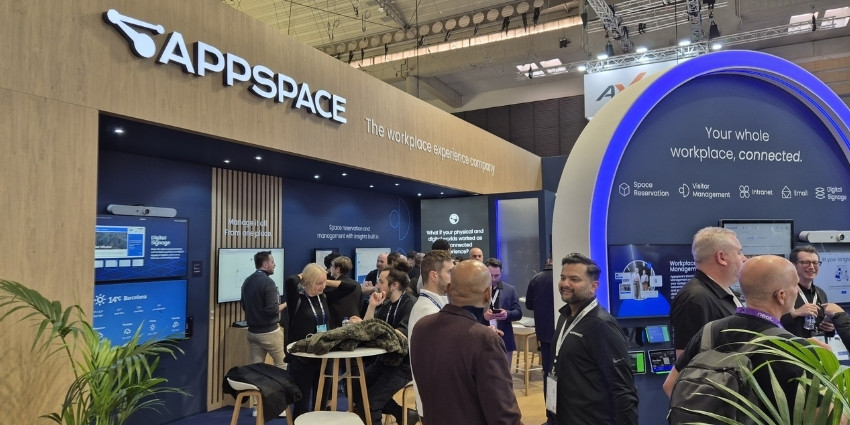
Will White, Director of Strategic Workplace Innovation at Appspace, oversees partnerships that allow the company’s workplace experience platform to layer onto existing technology stacks—Microsoft, Google, Cisco, Logitech, digital signage hardware, sensors, and collaboration displays.
The platform touches nearly everything an employee interacts with during a workday: intranet, mobile apps, desk and room booking, visitor management, digital signage, and now, collaboration displays when they’re not in use.
What’s changed recently is that Appspace is no longer just connecting these touchpoints—it’s synthesizing the data they generate. The company’s new Insights Assistant uses AI to aggregate booking patterns, sensor readings, content engagement, and calendar data across the platform, then surfaces actionable intelligence for facilities, IT, and communications teams. For organizations under pressure to justify real estate costs and technology investments, this means the ability to see not just what’s happening, but why—and what to do about it.
The Consumerization Problem
Appspace calls itself a “workplace experience platform,” a category that took years for analysts to even recognize. The reason for the label is scope: the platform touches intranet, digital signage, room booking, desk reservation, visitor management, and collaboration displays—basically, every surface an employee might interact with during a workday, whether they’re in the office, remote, or hybrid.
The goal, according to White, is to “consumerize the experience”—make it seamless, intuitive, and accessible in the way consumer apps are, not the way enterprise software traditionally is.
“In your personal life, you download an app, and if you don’t like it in the first 30 seconds, it’s gone. In the workplace, we often don’t have that option. You show up, you get onboarded, these are the tools you get. You’re stuck with it. What we want to do is make it more intuitive, more like what you’re used to out in the world—so you don’t have to do work to get your work done.”
That philosophy plays out in hardware agnosticism. Appspace runs on Cisco devices, Logitech devices, Neat, Crestron, IDEA Cubic—whatever the customer already has. It’s also natively integrated with Microsoft Teams Rooms and Zoom Rooms, meaning it works regardless of the collaboration platform in use.
One recent example: Appspace now runs on collaboration displays when they’re not in a meeting. Instead of a blank “start now” screen, the display becomes a live content surface—room instructions, QR codes, HR updates, branded comms. White says the most common use case starts with facilities teams solving the “how do I use this room” problem, but once comms teams see it, they want in.
The unused real estate becomes active real estate.
Related Stories
- → ISE 2026 Event News Hub: All Coverage
- → ISE 2026 Roundup: Interoperability, Invisible AI, and the Fight for Scalable Rooms
- → ISE 2026: Meeting Room Booking Systems Now Use 100x Less Power Than iPads—Here’s Why That Changes Everything
- → ISE 2026: GoBright’s AI-Powered Office Knows When You’re Coming—And How Much Energy You’re Wasting
The Data Problem
Appspace pulls in a lot of data. Employees book desks and rooms. They interact with the intranet. They scan QR codes on digital signage. They walk into rooms that auto-book based on sensor presence. The platform also ingests data from Microsoft 365, Google Calendar, environmental sensors, and badge systems.
For years, Appspace has generated reports—automated summaries, Power BI dashboards—but those reports were siloed. Facilities saw room utilization. Comms saw content engagement. IT saw device health. Nobody saw the full picture.
That’s changing with Appspace Intelligence, the company’s platform-wide AI toolset. The centerpiece is a new Insights Assistant, which synthesizes data across the entire platform and makes it accessible to teams that wouldn’t normally have visibility into each other’s metrics.
“Our customers kept asking: how do we pull this together? How do we get meaningful reports instead of a 10,000-row spreadsheet? A facilities person might want to know room utilization, but it would also be helpful to know what’s the engagement rate with the content on the screen. Did they scan the QR codes? We can automatically aggregate that, analyze it, and tell you: everybody books this room on Thursday, and you get the best engagement rate on Thursday—but specifically in the afternoon.”
The assistant doesn’t just report—it identifies patterns that wouldn’t be visible in isolated datasets. It can flag which rooms are booked but rarely used. Which screens drive the most interaction. Which environmental conditions correlate with higher productivity or engagement.
It’s not just measurement. It’s cross-functional intelligence.
White says the pressure on facilities and comms teams to justify investments has intensified. Smaller footprints, fewer desks than employees, significant spending on collaboration tech—all of it has to show ROI. “It used to be enough to say, ‘Yeah, we published these screens. I did my job.’ Now they’re being asked to justify the technology investment, the human investment, and prove value.”
The Democratization of Sensor Data
One of the more interesting trends White describes is what he calls “democratizing” sensor and IoT data. Traditionally, environmental sensors—air quality, temperature, noise levels—are used only by facilities teams to make operational decisions. Employees never see it.
Some Appspace customers are now surfacing that data directly to employees through the booking interface. When someone searches for a room or a desk, they can filter by environmental conditions: quiet or loud, cool or warm, high or low air quality.
“It’s about empowering people to make those choices versus mandating: no, you sit at this desk whether you like it or not. We’re seeing a big trend toward letting employees work the way they want to work.”
This is part of a broader shift: taking the infrastructure investments organizations have already made—sensors, collaboration displays, booking systems—and finding additional uses for them. The collaboration display that cost thousands of dollars now serves comms content when idle. The sensors that were installed for space optimization now inform employee choice.
The technology stack stops being a cost center and starts being a multi-use asset.
White says this is where the conversation is heading over the next 12 months. “Now that we have all the data, we see the trends more clearly than we did in the past. So now let’s act on it. How can we optimize the spaces? How far can we take it?”
Plausible Future Drift
Here’s where it gets interesting.
Right now, Appspace’s Insights Assistant is a tool. It surfaces patterns. It helps teams make decisions. But the infrastructure is already in place for something more automated.
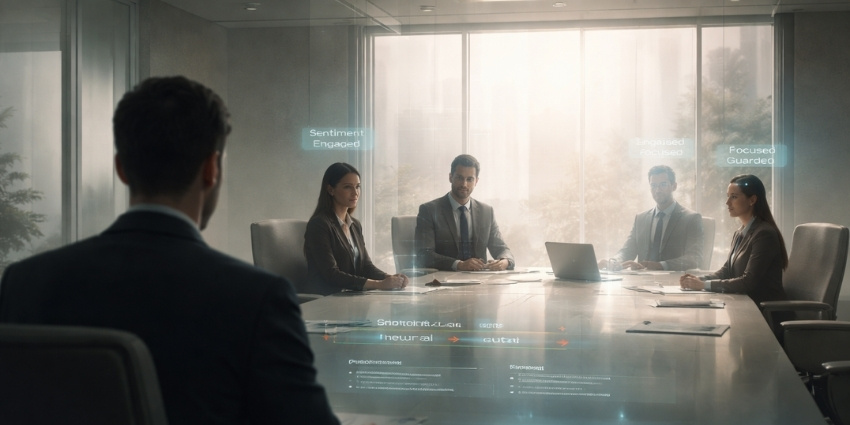
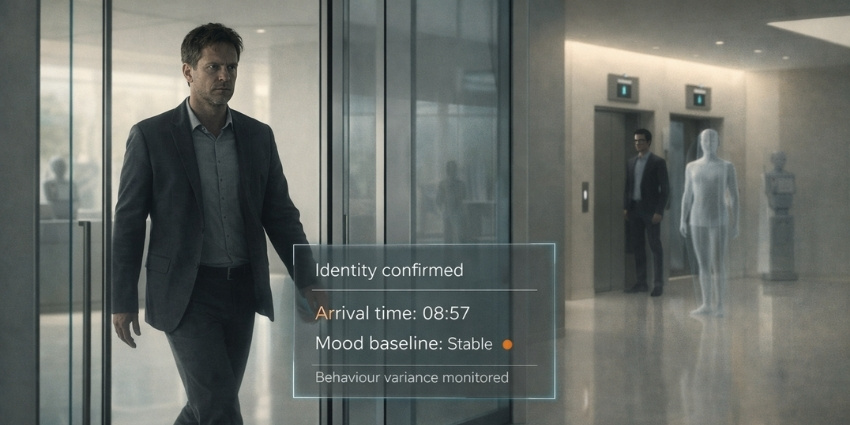
The platform knows which rooms are booked but never used. It knows which employees prefer quiet spaces and which prefer activity. It knows which content drives engagement and which gets ignored. It knows when someone is walking toward a room and can auto-book it. It knows environmental conditions in real time and can route people accordingly.
It wouldn’t take much to move from “here’s what’s happening” to “here’s what we’re doing about it.”
Maybe the system starts auto-canceling ghost bookings after a pattern of no-shows. Maybe it starts recommending desk assignments based on historical preferences and current availability. Maybe it adjusts content rotation on screens based on engagement data without waiting for a comms team to review a report.
None of this requires villains or dystopia. It just requires efficiency. And efficiency, once automated, tends to optimize for whatever metric is easiest to measure.
The question isn’t whether offices will get smarter. They already are. The question is whether “employee experience” remains something designed for people, or something that gets designed around them—optimized for space utilization, energy costs, and engagement rates, with employee preference as one variable among many.
White’s vision is collaborative: cross-functional teams using shared intelligence to make better decisions. But the infrastructure he’s describing doesn’t require collaboration to function. It just requires data, patterns, and automation.
And once the system knows what works, it’s hard to argue with what works.
Join the Conversation
This is where workplace technology is heading—whether we’re ready or not. If you’re navigating these shifts, you’re not alone.
Join the UC Today newsletter for weekly insights on collaboration, employee experience, and the technologies reshaping work.
Join the UC Today LinkedIn community to connect with peers tackling the same challenges.
Follow Rob Scott on LinkedIn for more on the future of work, collaboration technology, and employee experience.
Frequently Asked Questions
What is a workplace experience platform?
A workplace experience platform integrates multiple employee-facing systems—such as intranet, digital signage, room booking, desk reservation, and visitor management—into a unified interface. The goal is to create a seamless, consumer-like experience across all touchpoints, whether employees are in the office, remote, or hybrid. Appspace is an example of a platform that layers onto existing technology stacks to unify these experiences.
How does Appspace use AI in workplace management?
Appspace’s AI toolset, called Appspace Intelligence, synthesizes data from across the platform—booking patterns, sensor readings, content engagement, calendar data—and surfaces actionable insights through an Insights Assistant. This allows cross-functional teams (facilities, IT, comms) to see patterns they wouldn’t normally have access to, such as which rooms are booked but unused, or which content drives the most engagement. The AI doesn’t just report; it identifies correlations and trends across datasets.
Why are organizations under pressure to justify meeting room investments?
Organizations have made significant investments in collaboration displays, sensors, and booking systems, often while shrinking office footprints and operating with fewer desks than employees. Leadership now expects facilities and communications teams to prove ROI—not just deploy technology, but demonstrate measurable value through utilization rates, engagement metrics, and space efficiency. Platforms like Appspace help teams connect these data points and justify spending.
What does it mean to “democratize” sensor data in the workplace?
Traditionally, environmental sensor data (air quality, temperature, noise levels) is only accessible to facilities teams for operational decisions. Democratizing this data means making it available to employees so they can filter and choose workspaces based on their preferences—such as booking a quiet desk or a cooler room. This shifts the model from top-down space assignment to employee-driven choice, using infrastructure that’s already in place.
How far could workplace automation go if left unchecked?
The infrastructure already exists for offices to move from surfacing insights to acting on them autonomously. Systems could auto-cancel ghost bookings, recommend desk assignments based on historical behavior, or adjust content on screens without human review. None of this requires malicious intent—just efficiency. The risk is that “employee experience” becomes optimized for measurable outcomes like space utilization and energy costs, with employee preference as one variable among many, rather than the primary design goal.