
By the time organisations reach the purchase stage for extended reality (XR), the conversation gets practical fast. Specs, budgets, IT policies, security requirements, and deployment risk matter more than vision decks or proof-of-concept demos.
Here’s the key reality check for enterprise buyers: there is no single “best” XR device. Instead, there are devices that are fit-for-purpose for specific workflows, teams, and maturity levels. Therefore, the winning choice is the one that matches operational needs and integrates cleanly into your workplace stack.
This guide explains how to choose XR hardware for business across VR, AR, MR, and smart glasses—using an enterprise lens (governance, manageability, integration, and ROI), not consumer hype.
Navigation
- How to choose enterprise XR hardware
- Buying enterprise VR: training at scale
- Buying AR: frontline guidance and durability
- Buying MR: spatial workflows and digital twins
- Alternatives to Apple Vision Pro
- Where smart glasses fit
- Total cost of ownership checklist
- How to de-risk deployment
- FAQs
How to Choose Enterprise XR Hardware
Choosing the right device becomes easier when you anchor decisions to three inputs:
- What work you are enabling (training, maintenance, collaboration, inspections)
- Who is doing it (frontline, field, office, engineering, learning teams)
- How tightly it must integrate with your collaboration, security, and device management stack
In practice, enterprise buyers should evaluate XR devices like any other endpoint. Consequently, factors such as identity integration, MDM/UEM support, security posture, and lifecycle management often matter more than raw specs.
What Matters Most When Buying Enterprise VR?
For virtual reality (VR) deployments, enterprises typically balance three factors:
- Immersion (realism for simulation/training fidelity)
- User comfort (session length, heat, fit, motion tolerance)
- Total cost of ownership (device management, content, scaling, support)
Which VR Headsets Work Best for Scalable Training?
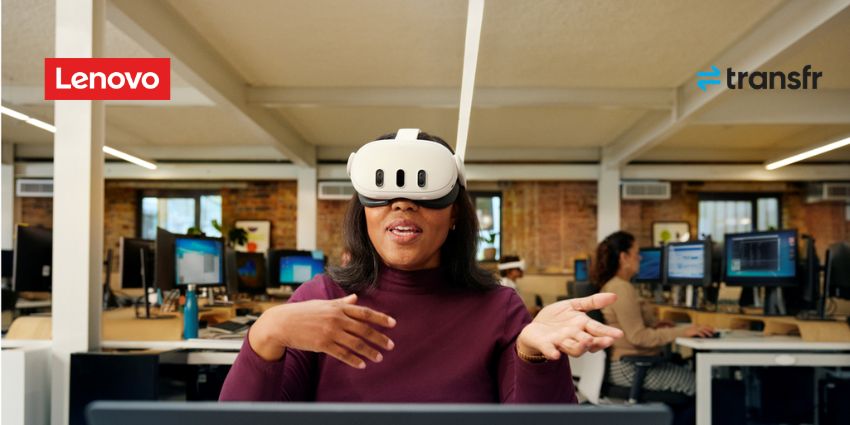
At the accessible end, Meta Quest 3—when paired with enterprise-grade device management and security tooling—has become a common starting point. It’s attractive because it can support wide rollouts without heavy infrastructure.
Strengths often include:
- Wireless operation with minimal setup
- Lower upfront cost for pilots and scaled training
- A broad ecosystem of training and collaboration applications
Best suited for:
- Employee onboarding and role readiness
- Procedural and safety training
- Repeatable learning across distributed teams
However, buyers should still validate MDM support, content availability, and security controls. Otherwise, “cheap VR” can become expensive later.
Also consider enterprise-focused alternatives. For example, PICO has positioned several headsets around enterprise deployment models and pricing strategies, which may appeal to organisations prioritising managed rollouts and predictable costs.
When Does Premium VR Make Sense for Enterprises?
At the premium end, Varjo XR-4 occupies a specialist category. It is designed for workflows where visual accuracy is mission-critical and where the business value justifies higher cost and complexity.
Designed for:
- Design validation and high-fidelity visual review
- Simulation and advanced training environments
- Research and specialist visualisation
Trade-offs to plan for:
- Significantly higher cost
- More complex setup and support needs
- Limited suitability for mass deployment
In other words, premium VR is a precision tool. It makes sense when “close enough” isn’t good enough.
Where does HTC VIVE fit? Many organisations still use HTC VIVE headsets in simulation-heavy settings and training labs, especially where fidelity, tracking, and dedicated spaces matter. If your VR programme is lab-based rather than “train anywhere,” this category is worth evaluating.
What Should Enterprises Look for in AR Hardware?
In augmented reality (AR) use cases, priorities shift away from immersion and toward operational realities. Specifically, frontline teams need devices that work under pressure.
Enterprise AR priorities typically include:
- Durability (industrial readiness, PPE compatibility)
- Comfort (short, frequent work moments without fatigue)
- Hands-free operation (voice control, minimal UI friction)
Which AR Devices Work Best for Frontline Teams?
Devices such as RealWear Navigator are purpose-built for frontline and field service environments. They’re popular because reliability matters more than visual sophistication in high-noise, high-risk workplaces.
Key characteristics include:
- Voice-first interaction
- Ruggedised hardware for industrial environments
- Tight integration with remote assistance platforms
These devices may not “wow” in demos. However, they perform where it counts.
Is Mobile AR Still Relevant for Enterprises?
Yes. For organisations experimenting with AR, mobile AR on smartphones and tablets still plays a practical role. While it lacks hands-free benefits, it lowers adoption friction.
Mobile AR can help because it:
- Lowers the barrier to entry
- Requires no dedicated hardware investment
- Supports inspections, visual instructions, and customer support workflows
Therefore, mobile AR can be a smart first step when governance and workflows are still being validated.
Is Mixed Reality Ready for Enterprise Scale?
Mixed reality (MR) sits at the intersection of capability and complexity. It’s often used where shared spatial understanding changes decisions, such as design reviews, planning, and digital twin workflows.
Microsoft HoloLens 2 remains one of the most established enterprise MR devices. It’s widely evaluated for programmes that prioritise device management and security maturity alongside spatial capability.
Strengths include:
- Advanced spatial mapping
- Enterprise-grade security posture
- Integration with Microsoft productivity and collaboration ecosystems
Well suited for:
- Engineering workflows and spatial reviews
- Remote expert collaboration
- Digital twin environments and spatial planning
However, compromises remain:
- Higher cost than entry VR
- Limited field of view compared to VR
- Smaller application ecosystem than consumer-led platforms
Consequently, MR often delivers best ROI when it is deployed for high-value 3D workflows—not as a general-purpose “meeting replacement.”
What Are Practical Alternatives to Apple Vision Pro?
Apple Vision Pro demonstrated what is possible in spatial computing. However, its price and form factor keep it firmly in pilot territory for most enterprises. Therefore, many buyers prioritise usability and integration over spectacle.
Why Are Enterprises Watching Samsung Galaxy XR?
Samsung Galaxy XR, built on Android XR, is attracting attention because it can fit more naturally into existing enterprise environments—especially for organisations already standardised on Android or Google Workspace.
Key advantages include:
- Native support for Google Workspace
- Enterprise device management via Samsung Knox
- A price tier positioned for broader rollout
In short, the emphasis is operational fit rather than headline features.
Meanwhile, Meta Quest 3 continues to stand out with expanding enterprise software support, making it one of the most flexible devices for pilots that can realistically move into production.
Where Do Smart Glasses Fit Into Enterprise XR?
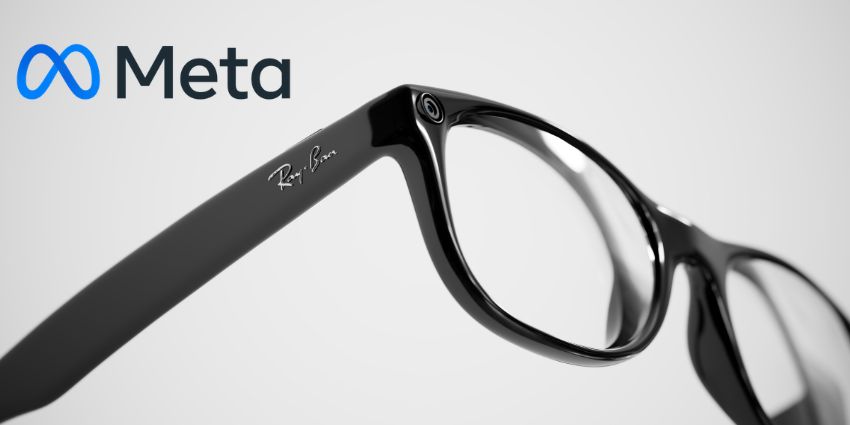
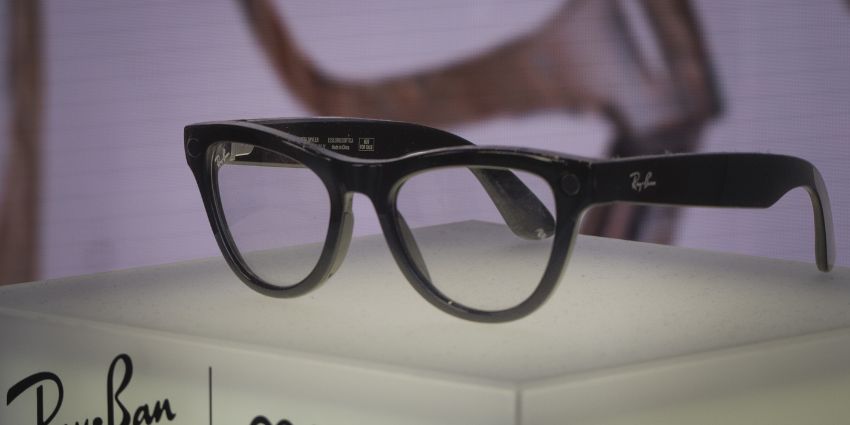
At the lighter end of the spectrum, smart glasses are carving out a distinct role. Devices such as Meta Ray-Ban smart glasses, Vuzix Z100, XREAL, and VITURE are not full XR systems. Instead, they act as productivity enhancers.
Typical enterprise use cases include:
- Hands-free communication and documentation
- Remote assistance and “see-what-I-see” support
- Private displays for mobile or hybrid workers
Adoption can be faster precisely because these devices complement existing tools rather than trying to replace them. Therefore, they’re often a practical entry point for frontline enablement and remote support.
Why Total Cost of Ownership Matters More Than Price
Experienced enterprise buyers look beyond sticker price when comparing enterprise XR devices. Total cost of ownership is usually the real differentiator, especially once you scale beyond a small pilot.
Total cost of ownership typically includes:
- Device + identity management (MDM/UEM, SSO/IAM)
- Security and compliance requirements
- Software compatibility (training, remote assistance, UC tools)
- Content availability and update cadence
- User comfort, wellbeing, and adoption risk
- Long-term scalability and vendor stability
A lower-cost headset that cannot be securely managed or integrated often costs more in the long run than a higher-priced device that fits cleanly into existing IT and UC environments.
How Should Enterprises De-Risk XR Deployment?
The most successful XR rollouts follow a consistent pattern: start small. One use case. One team. Clear success metrics. Then iterate.
Once value is proven, scaling the hardware decision becomes easier and less risky. Therefore, buyers should treat pilots as measurement programmes, not demos.
In enterprise XR:
- Specs do not win
- Demos do not win
- Fit wins
The right device is the one employees will actually use, IT can securely manage, and leadership can justify once results start showing up on the balance sheet.
FAQs
What is the best XR device for business?
There is no single best device. The best XR hardware for business is the one that matches your workflow, fits your users, and integrates with your security, identity, and device management stack.
What is the best VR headset for enterprise training?
Many organisations start with devices like Meta Quest 3 for scalable training. However, higher-fidelity options such as Varjo can be better for precision simulation and design validation. The right choice depends on content needs, support model, and total cost of ownership.
What should IT evaluate before purchasing enterprise XR devices?
IT should validate MDM/UEM support, SSO/IAM compatibility, encryption and endpoint policies, network readiness, patch/update controls, and lifecycle management. In other words, treat XR like any enterprise endpoint.
Are smart glasses a good alternative to headsets?
Often, yes—especially for frontline communication, remote assistance, and lightweight guidance. Smart glasses can complement UC tools and improve productivity without the overhead of full immersive systems.