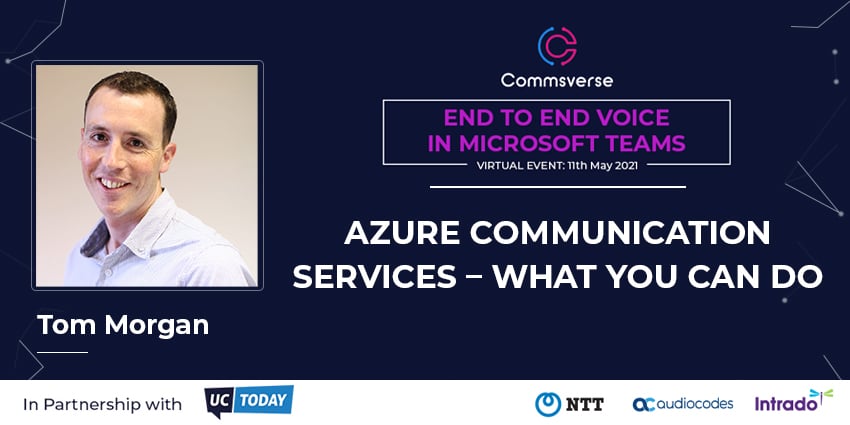

This week’s Commsverse event, End to End Voice in Microsoft Teams, featured a packed agenda of Teams-focused sessions.
One session saw Tom Morgan, Product Innovation Architect at Modality Systems and Microsoft MVP, give a great overview of Microsoft’s CPaaS offering, Azure Communication Services.
We’ve rounded up some of the high-level takeaways from Morgan below, but you can view his full keynote, and the rest of the Commsverse, on-demand by registering here.
What is Azure Communication Services?
Morgan said that there is still a degree of confusion around what ACS actually is.
He stressed that ACS is a platform for developers, not a complete product for end-users. In essence, it makes it easier for developers to add communication services to their existing solutions.
ACS lives within Azure and is built with the enterprise in mind. The platform is not unique, with other companies such as Twilio offering similar platforms, but Morgan said it could be compelling for enterprises that are already deeply rooted in Microsoft infrastructure.
“I think Microsoft is saying ‘you trust us for your websites or your AD already, this is us doing for your communications’”
Microsoft bills ACS on a consumption basis. It’s currently priced at $0.004 for each minute of audio and video and $0.0008 per SMS.
Is ACS built on Teams or is Teams built on ACS?
This question is a source of a lot of the confusion. The answer is, technically, neither.
Morgan said that Microsoft has an underlying, fundamental communications platform that powers Microsoft Teams.
For ACS, Microsoft has created an API that anyone can use to connect to that platform. So, both Teams and ACS link into the same underlying platform; neither run on one another.
Morgan said:
“What this means is you can build an application that interacts with that back end in pretty much the same way that Teams does”
Dynamics 365 Customer Service also uses this substrate.
Can Teams and ACS interact?
Yes, but in a fairly limited fashion.
Interoperability is currently in public preview and can be opted into by admins if they contact Microsoft.
This allows an ACS client to join a Teams meeting as a guest, much like a user would if they joined a meeting via the web. There is currently no ability to for Teams users to join an ACS meeting.
In the meeting, users on ACS can see screensharing and custom backgrounds but they do not have this functionality themselves.
Developers do however have complete control of how meetings in ACS are rendered; it is not necessarily a complete replica of a Teams meeting.
Morgan said:
“Developers can control what buttons are displayed, what they look like, whether screensharing is shown, the size of each video… all of those decisions are in the hands of the developer”
You can view all of Morgan’s keynote on-demand by registering for Commsverse here, where he also talks through some of the limitations of ACS.