
Google is one of the many companies striving to keep up with collaboration leaders like Zoom and Microsoft Teams in this new digital-first working environment. Google Meet, the company’s innovative meeting application, recently added new features, including virtual backgrounds for more immersive conversations.
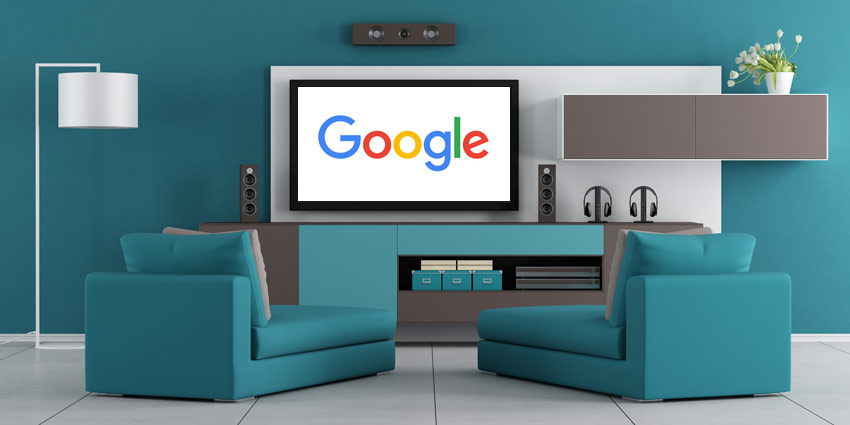
Now, Google is announcing a new option for users to cast their meetings to their television. According to Google’s team, the “Google Meet on Cast” feature will transform any room in your home into a conference space. Your TV or smart display can instantly transform into the centre of your meeting environment. This casting solution will help users to step away from their laptop notifications and become more present in meetings.
Updating the Work Anywhere Environment
Whether you’re trying to engage with a larger meeting, or you just want to focus more on the presentation in question, Google Meet’s new Cast option will be an exciting upgrade to the meeting environment. Back in April, when video conferencing demand started to skyrocket, Google jumped into action by giving Meet video conferencing access to all Gmail users, no payment required.
Since then, the Google team have been on the hunt for more ways to drive usage of Google Meet. Quick links to Meet calls are now available in Gmail, and Meet conversations are becoming more intuitive. However, the Google Meet solution hasn’t done much to slow down the rise of Zoom and Microsoft Teams. Despite early privacy issues and other problems, Zoom is still leading the way for video.
One thing that Google does have to its advantage is incredible scale and reach. There are over 1.8 billion Gmail users around the world, and everyone knows about Google. Adding new ways for customers to access Meet could help the company to get ahead of the curve again.
Streaming to Your TV
So, how easy is it to connect a Google Meet conversation to your television? Potentially not as simple as it seems. You will need a Chromecast dongle to connect to most televisions – which means investing in a separate device. That’s not a huge issue, but it might be a downside to some.
For now, Google still appears to be struggling in it’s bid to keep up with video conferencing competitors. However, the introduction of more handy features and functionality might give it the boost it needs to avoid losing the attention of it’s customers. Google could still have some potential to offer in the video conferencing space.