
Return-to-office efforts can falter when tech isn’t up to standard, but a workplace readiness report gives companies the insights needed to build spaces employees actually want to use.
Since the widespread adoption of remote and hybrid work, the concept of a modern office has evolved. For employees, it’s no longer defined by sleek, glass-walled boardrooms or designer furniture in the break room. Instead, the key question is: does it offer a better experience than working from home?
The answer to which often depends less on company culture and policy and more on Wi-Fi coverage, room technology, and how well the building supports collaboration. Hybrid policies determine how often people come into the office, but network performance, room systems, and smart building technology decide whether they want to come back again.
Understanding what makes an office technically ready is, therefore, essential for companies implementing RTO strategies.
As John Ringis, Director of Physical Security at New Era Technologies, puts it:
“You’re only going to get one shot to create this environment that employees are looking for in this return-to-office period.”
To help companies navigate this transition, New Era Technologies has created a “workplace readiness” framework that examines four core infrastructure systems that determine whether a workplace can effectively support RTO.
The Four Systems That Make or Break Office Collaboration
When employees describe offices that “just don’t work as well as home,” they’re usually experiencing issues with one or more of these four core systems.
Network infrastructure and internet connectivity form the foundation of modern workplace collaboration, and any issue here causes problems quickly. Unlike pre-pandemic offices where employees were hardwired to desks with dedicated phone lines, today’s workforce is mobile and cloud-dependent. “Most of the collaboration happens over the cloud,” explains Salik Makda, Director of Network Engineering at New Era Technologies.
This shift from wired to wireless work has fundamentally changed bandwidth demands. When employees relied on hardwired PCs and desk phones, traffic was predictable and distributed. Now, with workers joining video calls from laptops, accessing cloud applications simultaneously, and transferring files throughout the day, network circuits face concentrated loads during peak hours.
Yet, having sufficient network capacity means little if employees can’t reliably access it. That’s where wireless connectivity becomes critical; employees expect strong, seamless coverage wherever they work.
According to Makda:
“Users are mobile. They’re not tied to a single desk. They want to be able to move between rooms and huddle spaces as they collaborate with other team members.”
This mobility requirement transforms wireless infrastructure from a convenience into a necessity. Inadequate coverage creates dead zones, forces reconnections as employees move through buildings, and tethers them to areas with stronger signals.
Once employees can move freely with stable connectivity, they need spaces that facilitate effective collaboration. This is where meeting room and collaboration technology come into play.
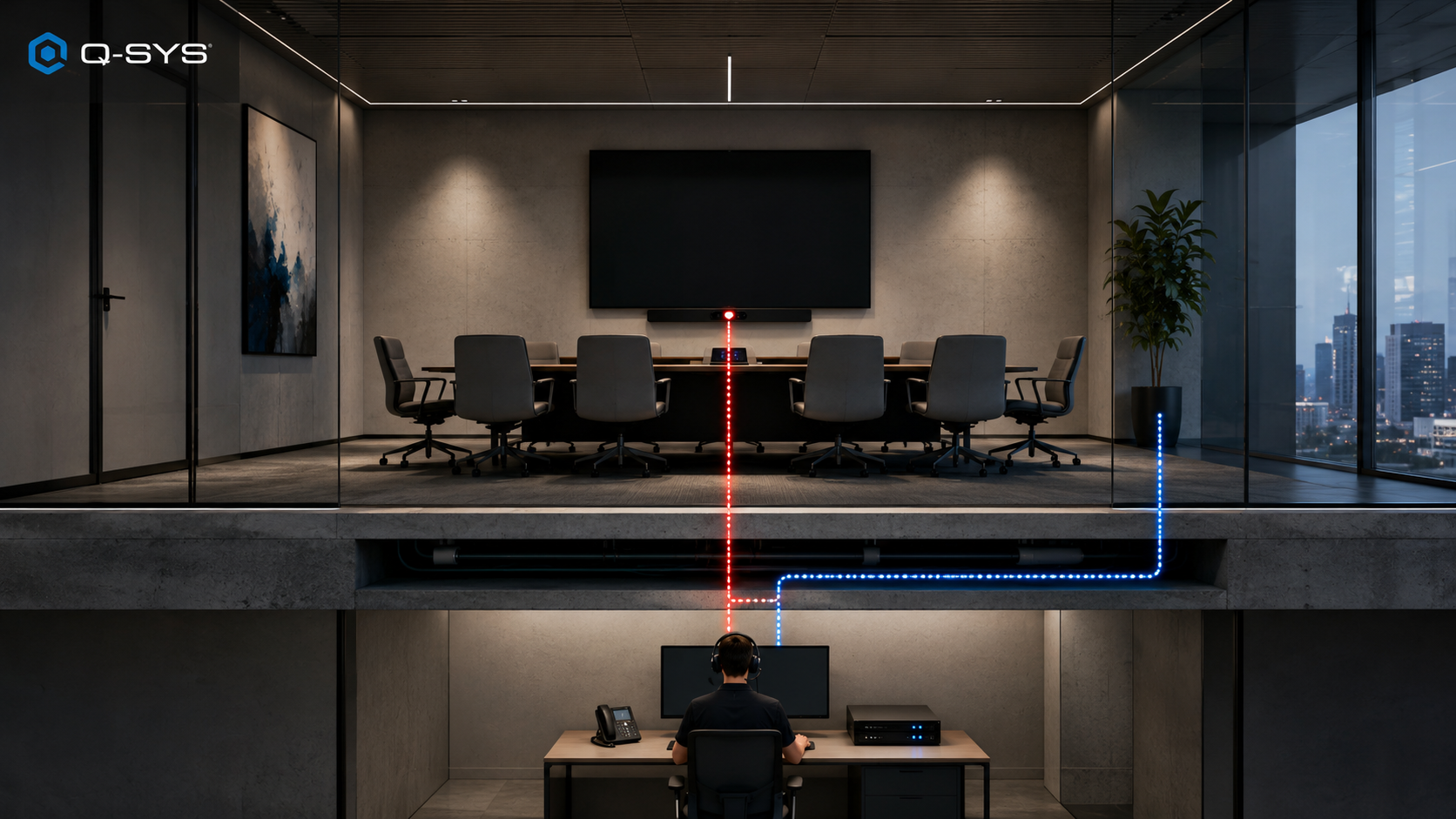
At home, employees open Teams or Webex and join meetings instantly. In the office, they expect the same seamless or better experience. However, increased office attendance and poor meeting room setups mean employees often “can’t find an available room, or the room doesn’t work the way they expect,” Ringis explains. He sees that not as an employee failure, but “a failure of the environment.”
This workplace environment consists of both systems and the physical workspace design. Together, they create the conditions necessary for sustained work in shared spaces. Yet with the growth of UC video meetings, they have extended beyond just the HVAC and lighting to now include acoustic management and even furniture layout.
Acoustics and layout have become critical as offices fill up. Makda says:
“Now you have more people coming back into the office; there’s obviously more noise being generated.”
If that noise isn’t managed, meetings quickly become harder to follow. Background conversations distract in-room participants and confuse AI transcription tools that rely on clear audio.
Taken together, these four layers of infrastructure determine whether the office feels like a genuinely modern collaboration hub or simply a noisier, less reliable version of working from home.
Testing Systems and Closing Performance Gaps
Assessing these four systems requires performance validation under realistic load conditions, not just basic functionality checks. To do this, Ringis advises organizations to “truly assess what is there” by testing systems under actual occupancy to evaluate full-load performance.
Start with the network foundation. Network testing should simulate full occupancy demands, including hundreds of concurrent video calls, cloud application access, and file transfers happening simultaneously, to identify bottlenecks before they affect the employee experience.
Then, map wireless coverage for mobility. Wireless assessment needs comprehensive coverage mapping along the actual routes employees take through the building, not just static signal measurements. This reveals dead zones, slow handoffs between access points, and capacity constraints in high-density collaboration areas that cause connection drops during normal movement.
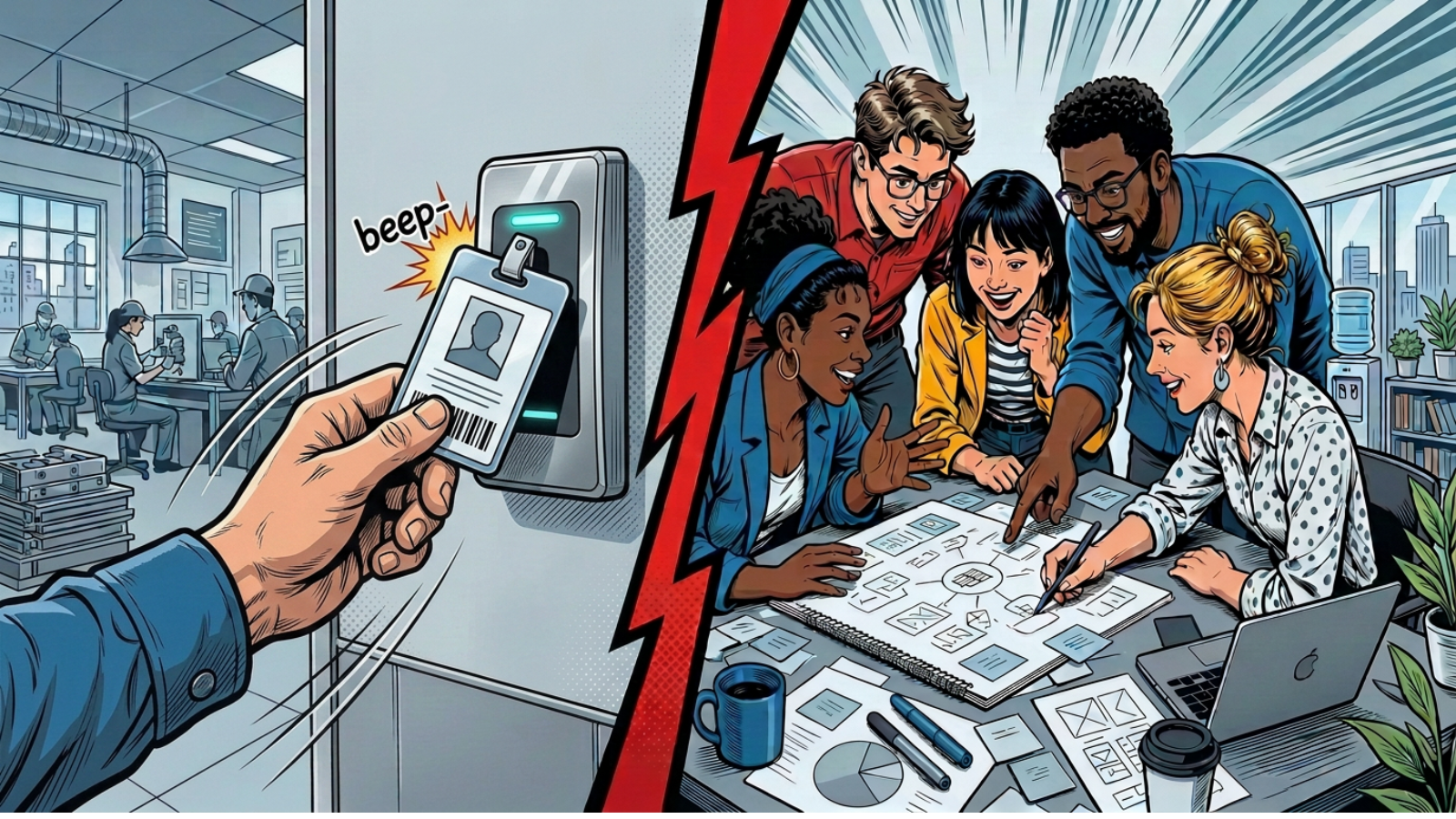
Next, validate room technology end to end. Modern room systems must deliver seamless plug-and-play capabilities for personal devices, directional microphones that isolate in-room audio, and instant platform integration. Beyond technical quality, rooms must also be available and configured correctly for their purpose, from formal boardrooms to agile huddle rooms. Ringis highlights how organizations can leverage “data from card access systems to see who’s coming and going from the building, how often, and what times of day” to align room capacity and configuration with actual usage.
Once testing reveals gaps, organizations face the remediation challenge. However, they don’t have to tackle it alone. Partnering with a managed service provider like New Era Technologies can streamline the process, improving wireless coverage, boosting bandwidth, modernizing room systems, and balancing meeting room capacity with actual usage.
Technical Readiness as Competitive Advantage
A workplace technical readiness report is a key undertaking for companies planning return-to-office policies. The results determine whether those plans deliver their intended benefits or simply create frustration. Organizations can mandate attendance, but they cannot mandate productivity if the infrastructure doesn’t support how people actually work today.
Companies that invest in comprehensive assessment and modernization before full occupancy returns gain a measurable advantage. Their employees experience offices that genuinely enhance collaboration rather than obstruct it. While competitors struggle with bandwidth constraints, connectivity drops, and inadequate meeting technology, technically prepared workplaces deliver on the promise that bringing people together creates value.
For organizations serious about return-to-office success, technical infrastructure preparation isn’t optional. It is the foundation that determines whether the investment in bringing people back truly produces the collaboration benefits that justify the policy.