
If you want to understand where productivity is really won or lost, don’t start with the meeting itself. Start with everything around it: the email ping-pong, the time zone confusion, the “can you do 3pm instead?” messages, and the reschedule spiral after half the invite list declines.
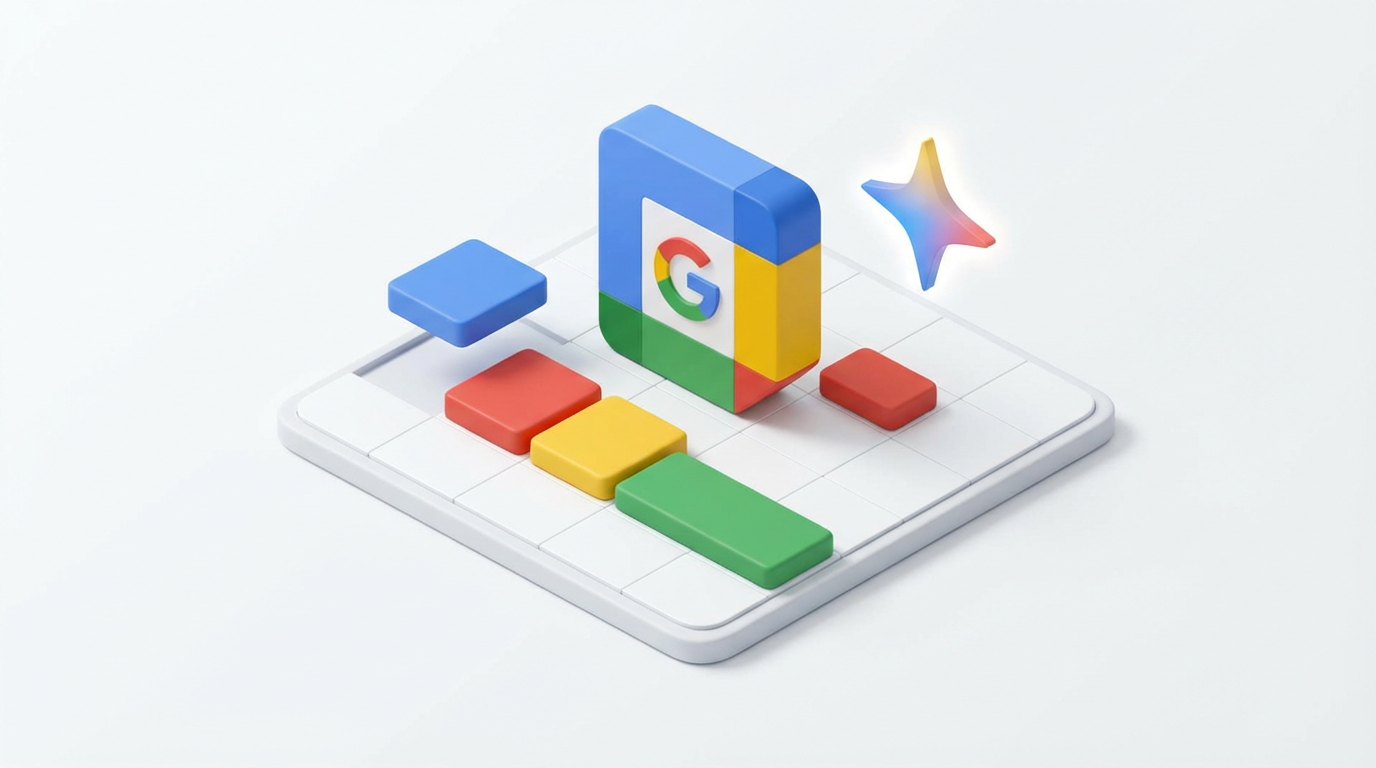
That administrative drag is exactly what Google is targeting with a new update to Gemini in Google Calendar aimed at helping users choose a meeting time faster.
What Google is Changing in Google Calendar
Google says users will now have a quicker way to pick the best time to meet with colleagues using Gemini in Calendar. When you create a meeting, you can click Suggested times and Gemini will recommend time slots by analysing invitees’ availability — including time zones, working hours, and existing conflicts — where the organiser has access to those calendars.
Google is also making rescheduling less painful. If several guests decline an invite, organisers may see a banner suggesting an alternative time when everyone is available, with a one-click option to update the event.
Google’s Help Center confirms the feature can also be used when rescheduling an event, and notes that a banner “might appear” when several guests decline. It also lists some practical limitations: suggested times won’t appear on mobile apps, won’t work for events longer than eight hours, and may not work when there are too many attendees.
Why This Matters: Meetings Aren’t Just Long, They’re Hard to Organise
Scheduling has become one of the most universal and stubborn drains on productivity, especially in hybrid and global teams.
Google’s own framing leans into that pain. In a January post, Derek Snyder, Director of Workspace Product Marketing, cited meeting inefficiency as a persistent problem:
“Harvard Business Review reports that 71% of senior managers find meetings ‘inefficient and unproductive’”.
Whether or not the exact number resonates, the sentiment does: for many employees, the meeting isn’t the only burden — getting to the meeting is.
That’s why scheduling automation is increasingly strategic. If AI can reduce the cycle time between “we should talk” and “we’ve agreed a time,” it’s attacking a universal source of drag that affects every team, regardless of industry.
Why Scheduling is Suddenly a Battleground
Calendars are where the realities of modern work collide: hybrid patterns, distributed teams, and an always-on expectation to be available. Microsoft’s own research into what it calls the “infinite workday” suggests coordination is getting harder, not easier — noting that 30% of meetings now span multiple time zones, up 35% since 2021.
In that environment, even small improvements to scheduling flow can have outsized impact. Shaving a few minutes off every meeting request, and avoiding repeated reschedule loops when people decline, is the kind of “micro-efficiency” that compounds across hundreds or thousands of employees.
Google’s pitch is that Gemini can take the busywork out of finding a slot. According to Snyder:
“By simplifying scheduling, Gemini in Calendar helps teams shift their focus from organizing meetings to preparing for the actual conversation”.
Google vs Microsoft: Similar Destination, Different Entry Points
Google is not alone in treating scheduling as an AI use case. Microsoft has long had scheduling assistance in Outlook, and is now pushing Copilot deeper into that workflow. Microsoft’s support documentation for Copilot-assisted scheduling in Outlook states that “Copilot in Outlook will check the calendars of all the attendees and recommend a mutually convenient time to meet”.
In practice, both vendors are heading toward the same goal: reduce the friction between intent and action inside the tools people already use. Where Google’s update is explicitly Calendar-native (suggested slots, faster reschedules), Microsoft’s Copilot approach often emphasises chat-assisted actions and broader integration across Outlook and Teams.
For end users, the competition matters less as a feature checklist and more as an outcome: does the platform remove enough coordination overhead to give people time back — and does it do so without creating new interruptions?
Try this: 3 quick ways to get more value from AI scheduling
- Set your working hours (and keep them accurate). AI can’t protect boundaries it can’t see.
- Block focus time so suggested times don’t gradually erase deep work.
- Keep guest lists tight. The more people you invite, the harder it is to find a slot that works.
The Catch: Automation Can Streamline Meetings – Or Accelerate Meeting Overload
There’s a nuance UC and collaboration leaders will recognise: making it easier to schedule meetings can, in some organisations, inadvertently lead to more meetings.
If scheduling becomes effortless, teams may default to calling a meeting rather than doing the slower (but sometimes more efficient) work of writing, deciding asynchronously, or narrowing the attendee list. That’s why the biggest productivity gains won’t come from AI scheduling alone, but from pairing it with meeting hygiene: clearer agendas, tighter attendee discipline, and fewer recurring meetings without purpose.
There’s also a data-quality reality. AI can only suggest “best times” based on what calendars say — and many calendars are aspirational at best. If employees don’t maintain working hours, out-of-office, focus blocks, and accurate meeting details, any scheduling assistant will produce mixed results.
What to Watch Next
Gemini’s scheduling improvements are a small but telling step in a broader shift: coordination automation is becoming the next major battleground in productivity. The winners won’t simply be the vendors whose AI writes the best summary — they’ll be the ones whose AI quietly reduces the daily friction that keeps knowledge workers stuck in a loop of organising work instead of doing it.
For organisations evaluating Google Workspace and Microsoft 365, the question is increasingly practical: which platform can deliver automation that employees actually feel — fewer email pings to schedule, fewer reschedule spirals, and more protected time to prepare — without turning the calendar into an even busier machine.
Related stories:
- Google Meet’s AI Note-Taking Feature Now Available
https://www.uctoday.com/unified-communications/google-meets-ai-note-taking-feature-now-available/ - Microsoft Teams Gets Outlook’s New Calendar App
https://www.uctoday.com/unified-communications/microsoft-teams-gets-outlooks-new-calendar-app/ - 24 Use Cases for AI in Unified Comms and Collaboration
https://www.uctoday.com/unified-communications/24-use-cases-for-ai-in-unified-comms-and-collaboration/