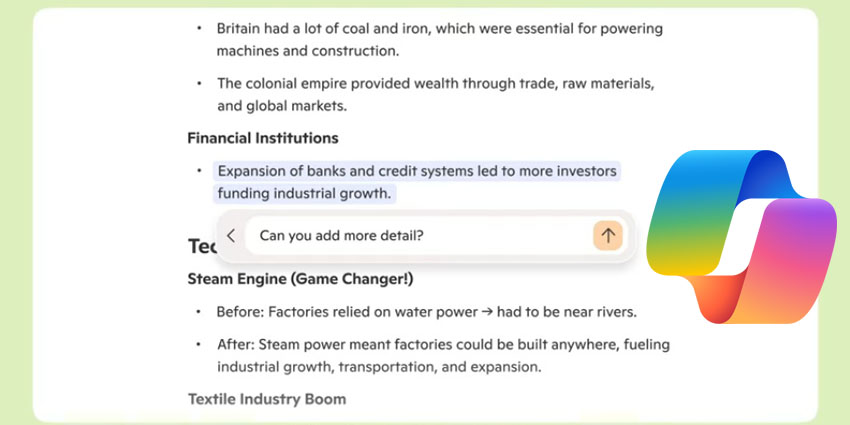

Microsoft has revealed a major new Copilot upgrade with several compelling enterprise-centric applications.
Unveiled as part of Microsoft’s 50th-anniversary event, the newly enhanced Copilot includes features such as advanced memory and web-based action capabilities, camera and screen analysis, and more. This raft of new capabilities intends to bring Copilot’s feature set in line with other high-profile, sophisticated competitors like Anthropic’s Claude and OpenAI’s ChatGPT.
While the update is generally for Microsoft’s consumer-focused Copilot rather than its business-specific Copilot 365 sister product, there are myriad opportunities to leverage the tool to securely boost productivity and collaboration across the enterprise.
Mustafa Suleyman, Executive Vice President and CEO of Microsoft AI, wrote in an accompanying blog:
Copilot will understand you in the context of your life, and show up, on your terms, in the right way at the right time. This is far richer, more dynamic, supportive and emergent than any software we’ve seen before. It’s a new kind of relationship with technology, a new era.”
Breaking Down Copilot’s New Features and How Enterprises Can Take Advantage
With the new Memory feature, Copilot can retain key personal details. As users continue to engage with Copilot, it learns their preferences, gradually building a more personalised profile that enables it to deliver smarter suggestions, custom solutions, and timely reminders.
In an enterprise example, Copilot’s Memory feature can be leveraged to create a personalised and persistent layer of context around key stakeholders (both internal and external). This will allow Copilot to proactively surface relevant context before meetings, tailor communications and recommendations, and suggest timely actions.
Additionally, Microsoft stresses that security and privacy remain central to the experience. The company insists that users have full control over what Copilot remembers through a dedicated dashboard, where they can manage memory settings or opt out altogether, intending to ensure transparency and trust.
The new native Windows Copilot Vision app adds a new layer of intelligence directly into users’ desktop workflow. Designed to work seamlessly across multiple apps, browser tabs, and files, Vision allows Copilot to read and interact with on-screen content in real time. Users can ask Copilot to search the web, adjust system settings, organise files, or collaborate on documents—all without needing to toggle between apps.
In the enterprise, Copilot Vision can act as a real-time productivity assistant—summarising reports, extracting insights from spreadsheets, or drafting responses from on-screen emails—without switching apps. It streamlines complex workflows, boosts multitasking efficiency, and reduces context switching for knowledge workers, analysts, and executives juggling multiple tools and data sources.
An eye-catching advancement in making Copilot a more useful AI companion is the introduction of “Actions,” a new capability that allows Copilot to complete tasks on a user’s behalf. With a simple chat prompt, users can ask Copilot to execute tasks.
For organisations, Copilot Actions can function as an intelligent executive assistant, streamlining routine but time-consuming logistics for senior leaders and their teams. For example, an executive could ask Copilot to “book flights and a hotel near the conference venue in Berlin” or “reserve a client dinner at a top-rated steakhouse in London.” Copilot would handle these tasks across platforms like Expedia, OpenTable, and Booking.com—without requiring users to leave their workflow or jump between tabs.
Beyond travel and hospitality, Copilot could also automate thoughtful gestures—like sending client thank-you gifts or team recognition packages—freeing up valuable time for more strategic work.
Finally, “Pages” helps improve productivity in document and project drafting by transforming scattered notes and ideas into organised, polished content. With a flexible canvas and Copilot’s support, Microsoft says users can draft, refine, and edit seamlessly. Whether a user is starting from scratch or revisiting a project, Pages intends to keep the process smooth, letting them iterate and stay productive.
Microsoft Reveals Security Copilot Agents to Bolster Enterprise Resilience
Last month, Microsoft announced several new AI agents for its Security Copilot solution to assist with enterprise resilience.
These new AI agents are designed to assist security and IT admins in key areas such as phishing prevention, data protection, and identity management. At the same time, Microsoft continues to prioritise AI security, driving advancements across Microsoft Defender, Entra, and Purview to strengthen threat protection and data governance.
Microsoft Copilot Security launched last April with the remit of helping security and IT admins “catch what others miss, move faster, and strengthen team expertise.” Copilot for Security functions ostensibly as a chatbot for security admins to use to read and analyse critical information such as threat summaries and security incidents.
The introduction of these agents reflects the growing urgency around cybersecurity. Microsoft highlights this need with a staggering statistic: more than 30 billion phishing attacks were detected in 2024 alone. To address this, the new phishing triage agent in Microsoft Security Copilot automates the handling of phishing alerts—allowing security teams to focus their expertise on more sophisticated and high-impact threats.
What do you think of the new Copilot features? Join the discussion on our LinkedIn and Reddit community groups!