Most organizations are currently allocating unprecedented capital towards AI-driven cameras and sophisticated audio arrays, all in a bid to bridge the enduring divide between remote and in-office workers. However, the physical environment that houses this advanced technology is frequently overlooked, leading to a jarring disconnect between software capabilities and physical realities.
A meeting space is a delicate ecosystem. When the physical room operates in isolation from the digital collaboration or AV platform, the user experience invariably fractures.
"When walking into a space, we obviously use our eyes to see what's happening. Cameras are no different; they have eyes too," noted Joel Mulpeter, Senior Director of Product Marketing at Crestron. Mulpeter underscores the inescapable truth for IT and AV leaders that meeting equity is not merely about being seen and heard. It is intrinsically tied to the physical comfort and friction-free operability of the space.
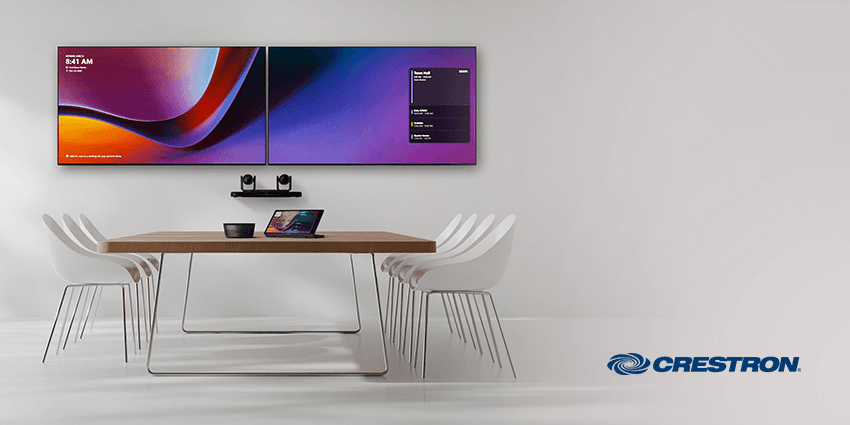
Crestron’s historic legacy of control, now elegantly embodied in the new 80 Series touchscreens, demonstrates that true enterprise collaboration requires a holistic architecture, one that unifies AV, lighting, shades, and climate control into a singular, intuitive interface.
Shattering the Illusion of the Perfect Hybrid Call
There is a pervasive fallacy in modern workplace design that can be described as the illusion of the perfect call. Organizations often assume that installing premium cameras and microphones will automatically yield a broadcast-quality meeting. However, these sophisticated endpoints are rendered entirely useless if a room is blindingly bright, uncomfortably freezing, or simply too complex for an executive to operate.
Environmental factors directly and severely impact the performance of intelligent video systems. AI-driven features, such as automatic framing and precise white balancing, rely heavily on optimal, consistent physical conditions to function as advertised.
The architectural trend of favoring natural light often directly conflicts with these technological requirements. "We work with a lot of customers where an architect will design a beautiful room with big open windows. It looks compelling when you walk in, but the moment you start a meeting, everyone is washed out, and you can't see anybody clearly," explained Brad Hintze, Crestron’s Executive Vice President of Global Marketing.
Furthermore, a room's environment is inherently dynamic, demanding an equally dynamic technological response. Static blinds and fixed lighting simply cannot accommodate the shifting realities of a working day. As Mulpeter observed: "The sun moves constantly, so we have to adjust dynamically. Downtown office buildings with big boardrooms and glass windows often end up with sun on one side in the morning and the other side in the afternoon."
Consequently, dynamic shading and lighting control must be considered foundational elements of AI video performance rather than aesthetic afterthoughts.
Mastering the Three Touchpoints of Room Orchestration
Understanding the environmental imperatives is only the first step. The second is translating that complexity into absolute simplicity for the end user. The employee journey through a hybrid workspace is defined by specific interactions, which Crestron categorizes into three critical touchpoints, elegantly managed through its 80 Series interface.
The journey begins before the user even crosses the threshold. Outside the room, clarity and scheduling are paramount. "First, outside the room, you have a scheduling panel. You want to understand what's happening in the space, book it, or just confirm you're in the right room and waiting for people to clear out," said Mulpeter.
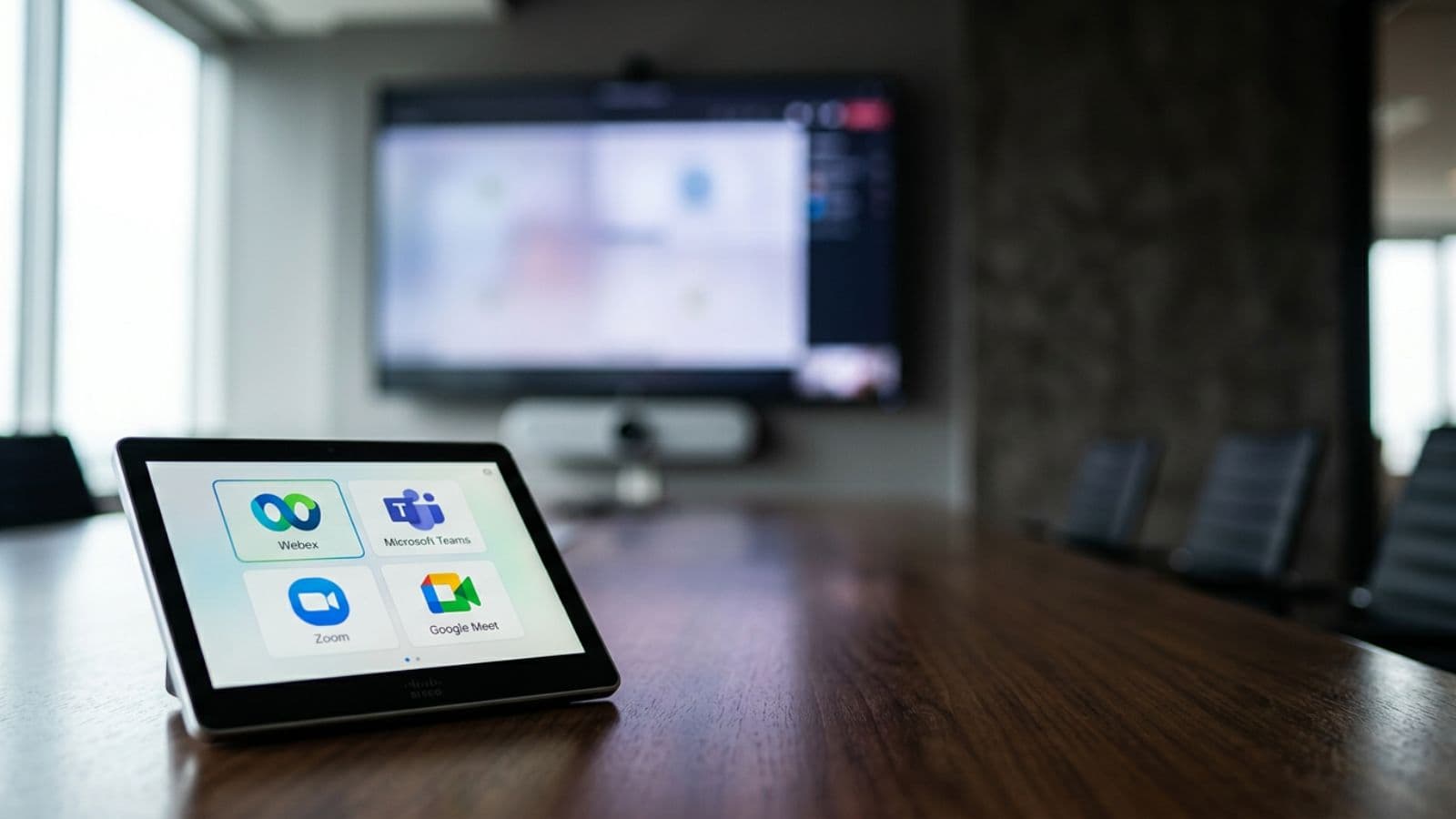
Moving inside the room, the focus shifts to immediate environmental control and the coveted one-touch join experience for platforms like Microsoft Teams and Zoom. The user expects to walk in, press a single button, and witness the room instantly configure itself. Displays activate, cameras track, and the lighting adjusts to the optimal lux levels for video capture.
Finally, on the table, the user requires the ability to seamlessly utilize the tech without an engineering degree. "Having a dedicated user interface allows you to orchestrate that technology and make the room work for your specific workflow," Mulpeter added. By unifying these three touchpoints into a single, coherent user interface, organizations can essentially alter employee behavior, transforming meeting anxiety into operational confidence.
Eradicating the Cost of Friction with a Unified IT Architecture
For IT, AV, and C-Suite leaders, the stakes extend far beyond user comfort. They encompass operational efficiency and the total cost of ownership. Disjointed systems, such as a separate remote for the shades, a proprietary wall panel for the HVAC, and a consumer tablet for the video call, destroy user confidence, cause cascading meeting delays, and inevitably spike IT support tickets. The cost of this friction is measured in lost executive productivity and overwhelmed helpdesks.
The modern enterprise demands frictionless, native software experiences, yet requires the robust, customizable control that only a unified architecture can provide. "We use new technologies like HTML5 and WYSIWYG drag-and-drop editors to make layout simple, allowing our controls to live seamlessly alongside a Zoom Room or a Teams Room," noted Hintze. This ensures the physical controls evolve in tandem with rapid software updates, preventing the hardware from becoming a bottleneck.
Crucially, resolving this friction at scale requires an IT-centric deployment model. Managing hundreds of global meeting spaces requires moving away from fragile, battery-powered consumer devices toward secure, enterprise-grade hardware managed via cloud platforms such as Crestron's XiO Cloud and the Microsoft Devices Ecosystem Platform (M-DEP).
As Mulpeter highlighted around the 80 Series: "They aren't battery-based; they connect to a network drop to get power and information. They live on your infrastructure, and you manage them like any other IT endpoint." This single-cable, Power over Ethernet (PoE) approach not only accelerates deployment but fortifies the network's security posture.
The transition to an AI-powered, hybrid workplace is an architectural challenge as much as a software deployment. True meeting equity cannot exist in a vacuum. It requires unifying the physical realities of the room with the digital capabilities of the collaboration platform. It is time for IT and AV leaders to stop treating environmental control as an isolated afterthought and instead integrate it firmly into their standard builds.
Discover how to seamlessly integrate environmental control into your comprehensive UC and AV strategy by exploring Crestron’s portfolio of intelligent workplace solutions and registering for its upcoming technical webinars here.