Hybrid work is no longer a trend or a temporary adjustment. According to an Owl Labs study, approximately 86% of all corporate meetings now include at least one remote participant, making the hybrid meeting the new baseline for collaboration.
In that environment, the meeting room is no longer just a physical space. It is a critical piece of enterprise infrastructure, and its usability is just as important as its technical specification.
Yet despite years of capital investment in collaboration hardware, the average meeting room still frustrates the people using it. Complex startup sequences, incompatible inputs, unreliable audio, and mismatched platforms continue to define the experience for many employees.
The gap between what the technology can do and what users can actually execute in the first two minutes of a meeting remains wide, and the cost of that gap is significant.
When the First Ninety Seconds Cost You the Meeting
The numbers tell a clear story. The same Owl Labs study found 72% of corporate employees consistently lose productive time due to technical failures in meeting rooms, including frozen video feeds, failed logins, and audio issues. This results in 37% of all meetings starting late as a direct result of these complications, wasting an average of 10 minutes per occurrence. When senior executives are involved, that figure climbs to nearly 16 minutes per meeting. Across an organization, unproductive meeting workflows cost an estimated $1,250 per employee per month in wasted time.
But it's not just the staff using the meeting room AV who are affected by these inefficiencies. A Calendly study found that in 43% of enterprise organizations, more than half of all helpdesk tickets are tied directly to issues arising from conference room systems. Those tickets are not complex. They are cables, inputs, and remotes. But they consume IT time, delay meetings, and erode user confidence. "When a mid-sized office loses hours of productivity because staff can't figure out how to switch a display input, the problem isn't the users, it's the design," says Burkan Bur, Managing Director at The Ad Firm. "The first ninety seconds are the most difficult."
Bur has seen this play out in client environments firsthand. One mid-sized client was logging nearly 40 helpdesk tickets per month across eleven rooms, with each ticket consuming an average of 20 minutes of IT time.
For Judy Sebastian of Apex Global Consultants, "high ticket volume around a specific meeting room is the first tell that the room wasn't designed for everyday users."
But even remediation efforts aimed at tackling this, such as BYOD, are, according to Russell Twilligear, Head of AI Research and Development at BlogBuster, not living up to expectations. "BYOD is a joke as of right now," he says.
"Employees have to bring different laptops and different apps. A smart room has to support all of that instead of putting everyone into one workflow."
For Twilligear, the issue is that most room systems are still built around a fixed configuration, while the workforce has become anything but fixed.
Design for the Speaker, Not the AV Spec Sheet
The solution is not more technology. It is better-designed technology. The shift from equipment-first to behavior-first thinking is the defining difference between a room that frustrates and a room that disappears.
One-touch join is the clearest expression of this principle. When a scheduled meeting host walks into a room, the system should detect their device, surface a single join prompt, and handle everything else automatically. Proximity detection technologies, including Bluetooth Low Energy beaconing and ultrasonic signals, allow platforms like Microsoft Teams Rooms and Zoom Rooms to identify which room a user is physically standing in and pre-populate the join interface accordingly. In practice, the difference is measurable. Bur's team reduced average call connection time from four minutes and ten seconds to under fifteen seconds after moving one client to a one-touch system:
"It isn't the four minutes that's the price of admission. It is the meeting that starts late, forcing the following group out of the room."
Automation extends well beyond joining a call. Auto-wake on occupancy, auto-framing cameras, auto-switching inputs, and proximity-based controls all remove the manual steps that create friction. "Auto-framing and auto-switching, proximity controls, and wireless sharing all reduce the small problems that waste the first ten minutes of every single meeting," says Twilligear. Wireless sharing addresses a specific and persistent pain point. Physical cables break, dongles go missing, and ports become incompatible. Standardizing on systems that support AirPlay, Google Cast, Miracast, or platform-native wireless sharing allows employees to share content from their own device, in their own workflow, without any additional steps.
Sebastian points to what this looks like when it works well:
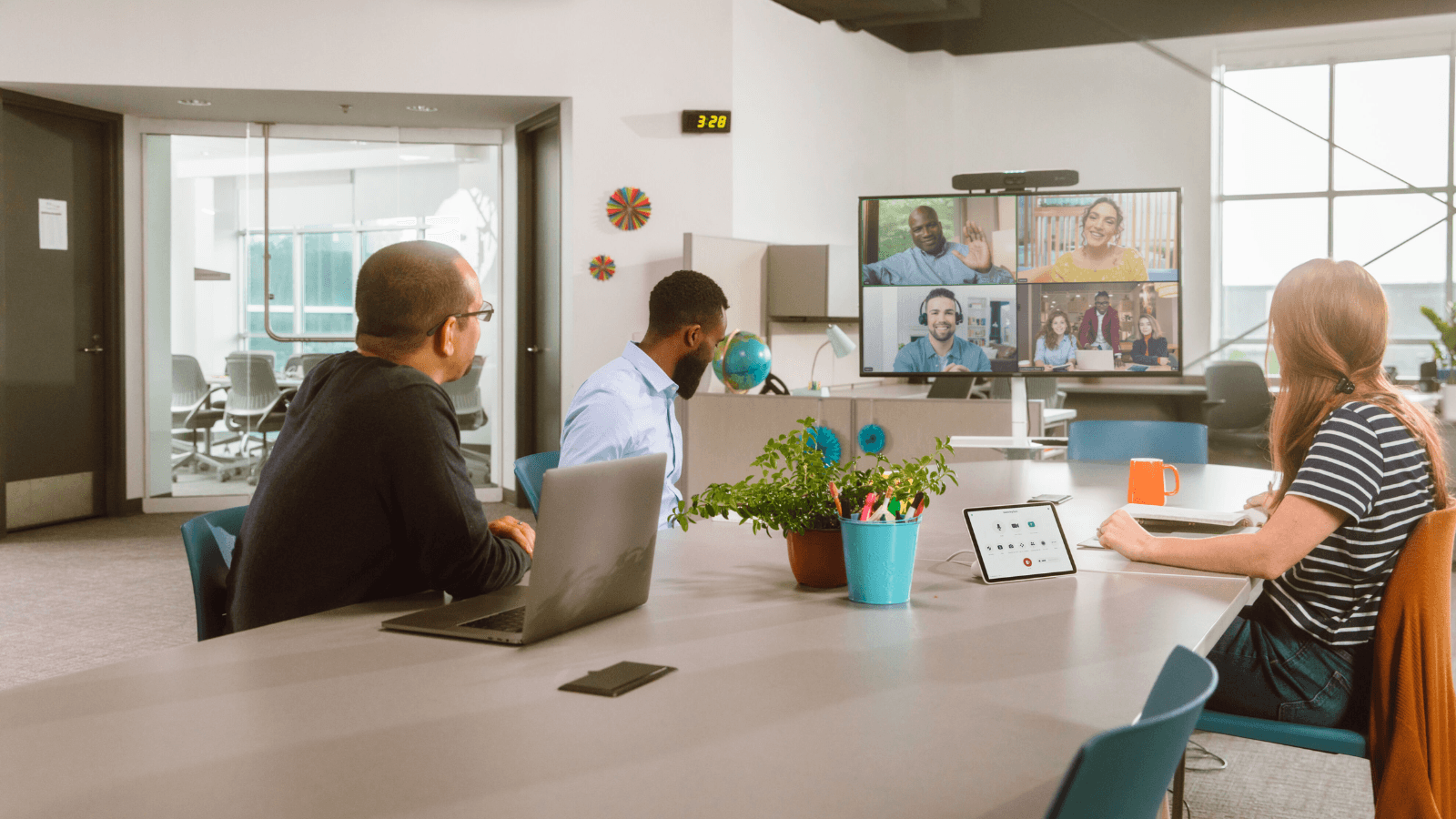
"Smart meeting rooms are like conference rooms with a built-in assistant. If implemented well, it can feel like magic. The team enters, the displays light up, and folks are ready to jump on a hybrid call."
That seamlessness is not accidental. It is the result of deliberate design choices that prioritize what a user needs to do over what the hardware can theoretically support.
The enterprise evidence reinforces the approach. PayPal India standardized 50 rooms with a unified Microsoft Teams Rooms deployment and one-touch join controllers. Meeting join times dropped by 50%. IT support tickets dropped by 90%. Saïd Business School at the University of Oxford achieved a 97% reduction in meeting room support tickets after standardizing more than 100 spaces with Cisco one-touch infrastructure. "You can tell a brand has truly applied design thinking to its product if a wide demographic of users can fully engage with it, with limited to no instructions," says Sebastian. "A non-technical user should feel just as confident as the tech whiz in the room."
The Standard Is Now Invisibility
The meeting room of the future does not announce itself. It does not require an introduction, a tutorial, or a support call. It simply works. That is not a luxury feature. For organizations running hybrid teams across multiple offices, it is a baseline requirement.
The business case is straightforward. Standardized, human-centric room designs deliver measurable reductions in helpdesk load, meeting delays, and wasted payroll. Cohesive, integrated system architectures experience far fewer support calls than piecemeal, multi-vendor setups. Organizations that have made the shift are not reporting marginal gains. They are reporting structural operational improvements.
The design principle is equally clear. Define workflows first. Understand how people actually use the space before a single piece of hardware is specified. Build around the behavior of the least technical person in the room, not the most. Twilligear puts it plainly: "The best rooms are built around normal human behavior, not around equipment lists. People don't care about what hardware is in the room. They care about whether the meeting starts fast and flawlessly."
As hybrid work matures, the organizations that lead will be those that treat usability as a strategic priority, not an afterthought. The technology to make meeting rooms invisible already exists. The question is whether enterprise buyers will switch their framing from spec sheets to minutes saved by the technology.